One device, a PIN for each person
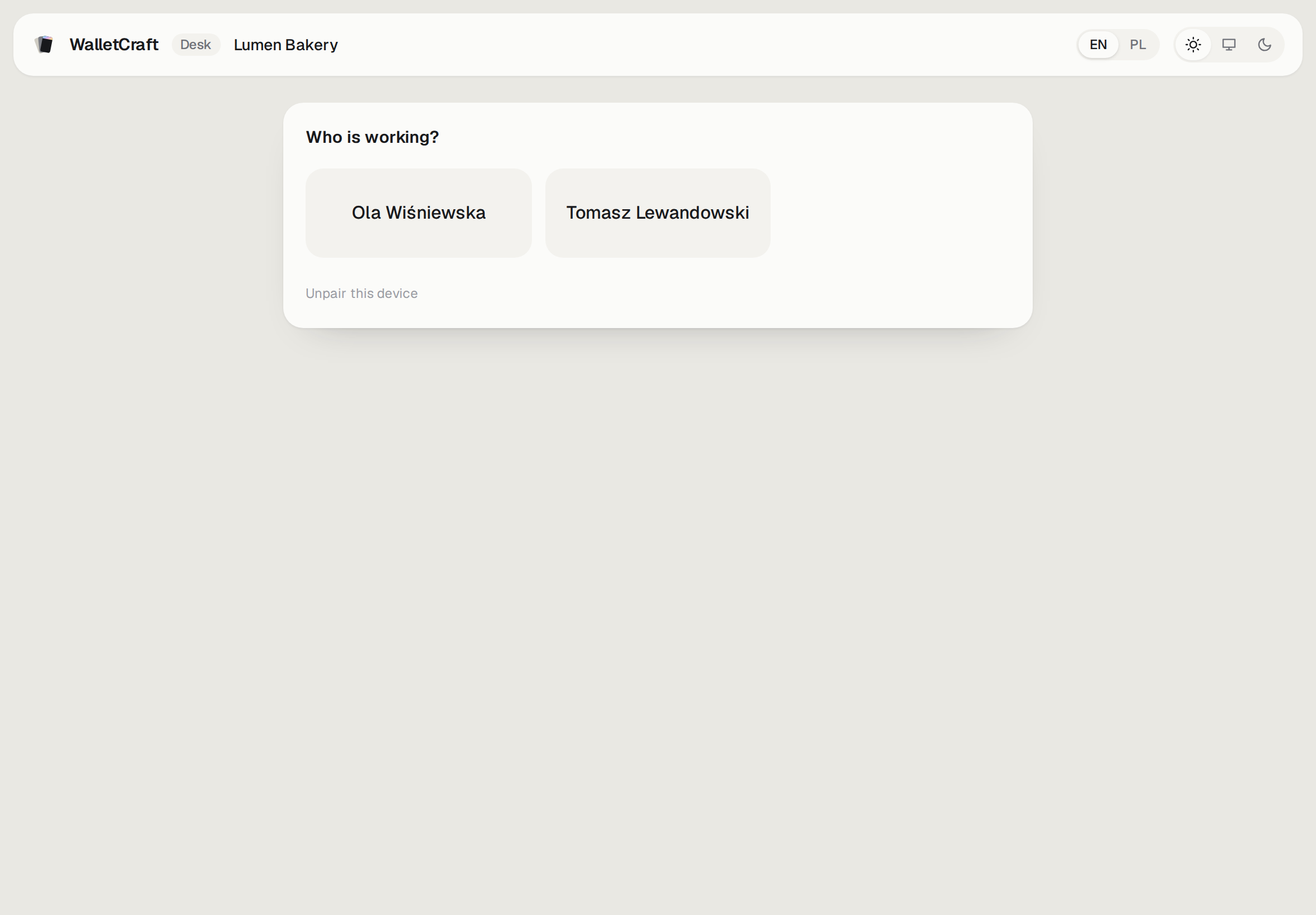
At the counter you need a tablet or a phone with a browser — the one you already have is fine. Open WalletCraft Desk, pair it once with a code from the console, and it stays connected to your location.
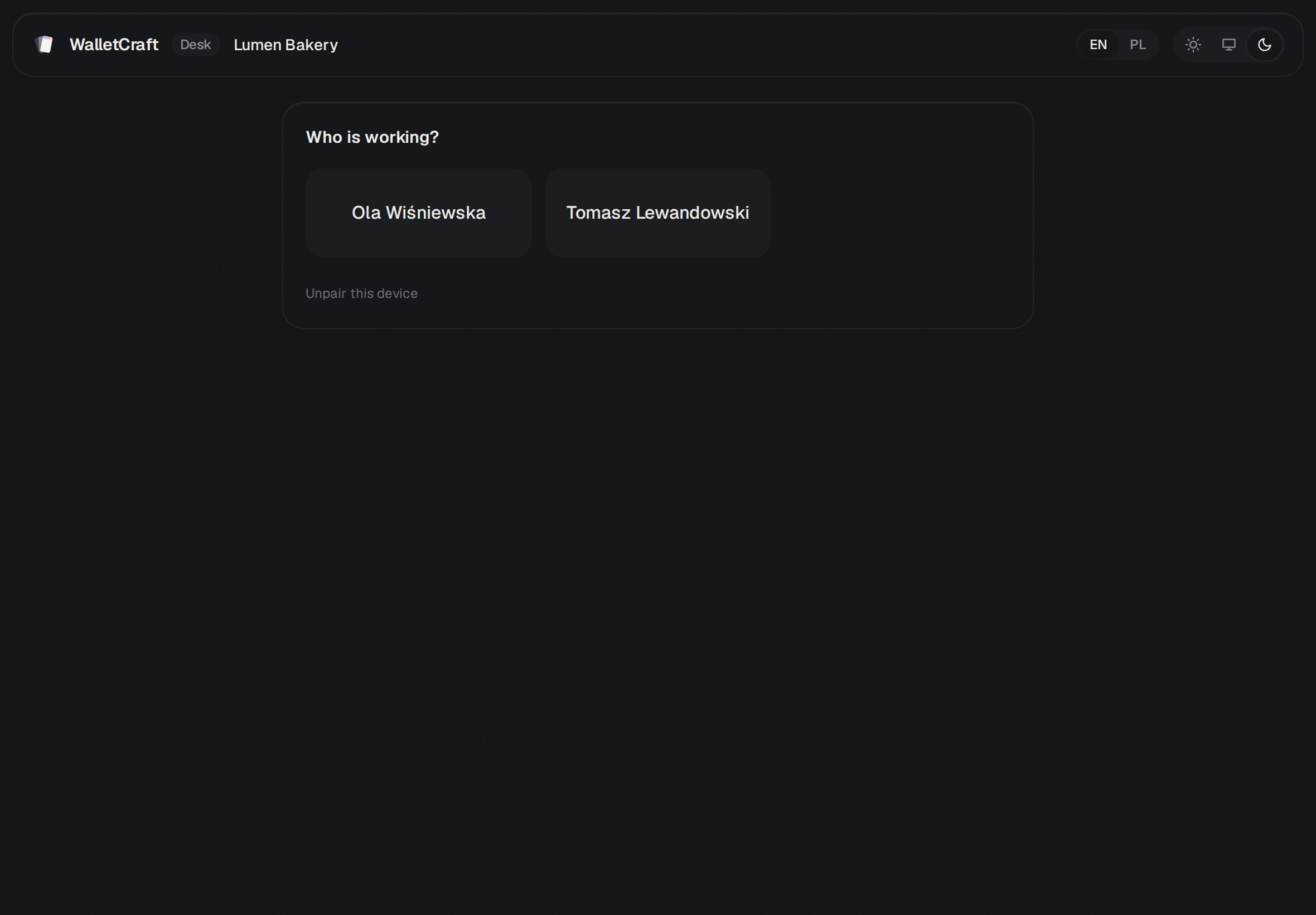
Each team member signs in with their own PIN. Every stamp then records who gave it, and anyone can lock the screen with one tap when they step away.
Adding a stamp
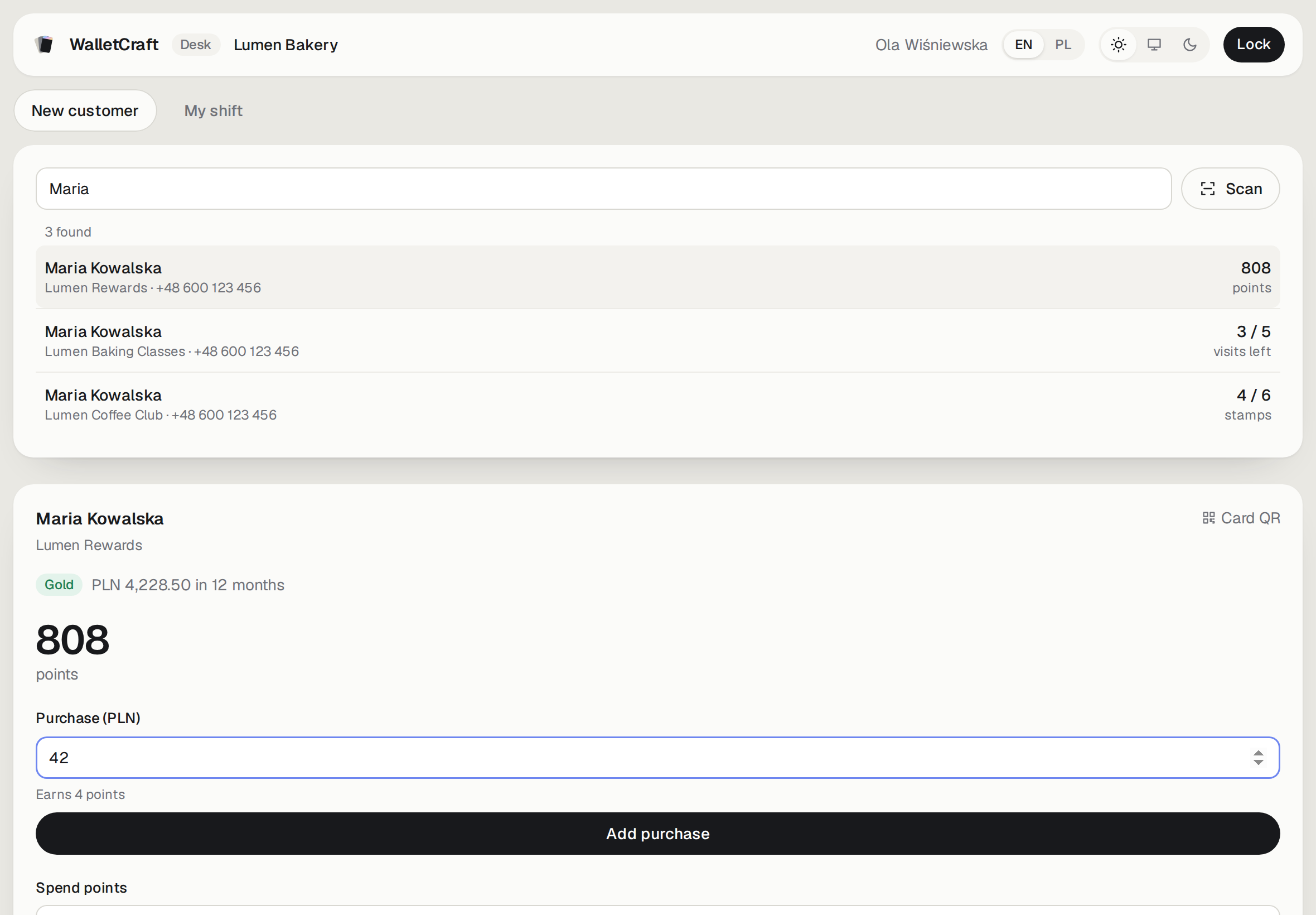
A stamp takes three steps:
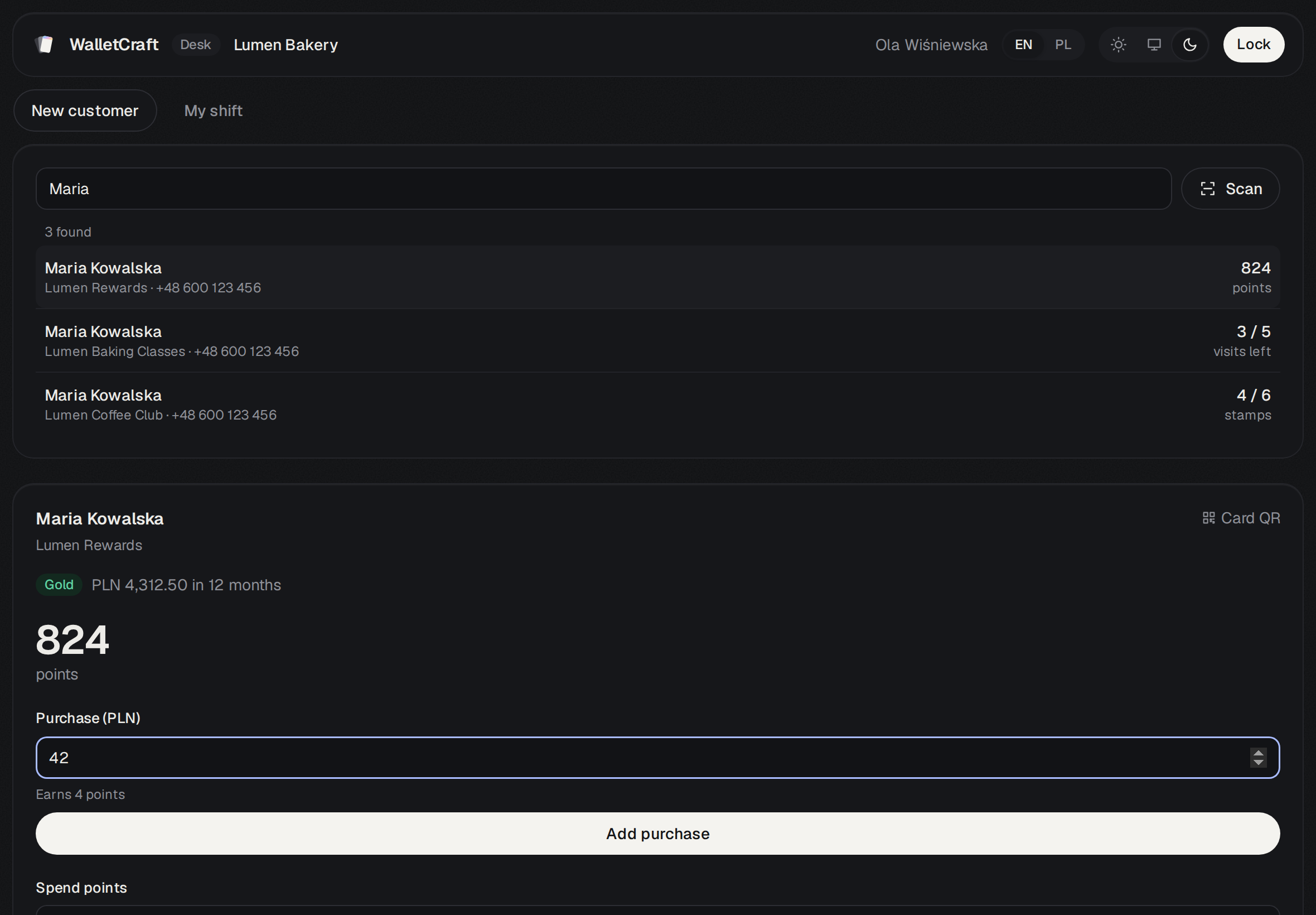
- Scan the code on the customer’s card with the camera — or search by name or phone if they don’t have it at hand.
- Check the card: Desk shows the customer, the stamps they have and the reward.
- Add the stamp. The card on the customer’s phone updates within moments.
Giving the reward
When the card is full, Desk shows that the reward is ready. Staff give it out with one tap; the stamps start again, and the customer sees the new round on their card.
Fixing mistakes
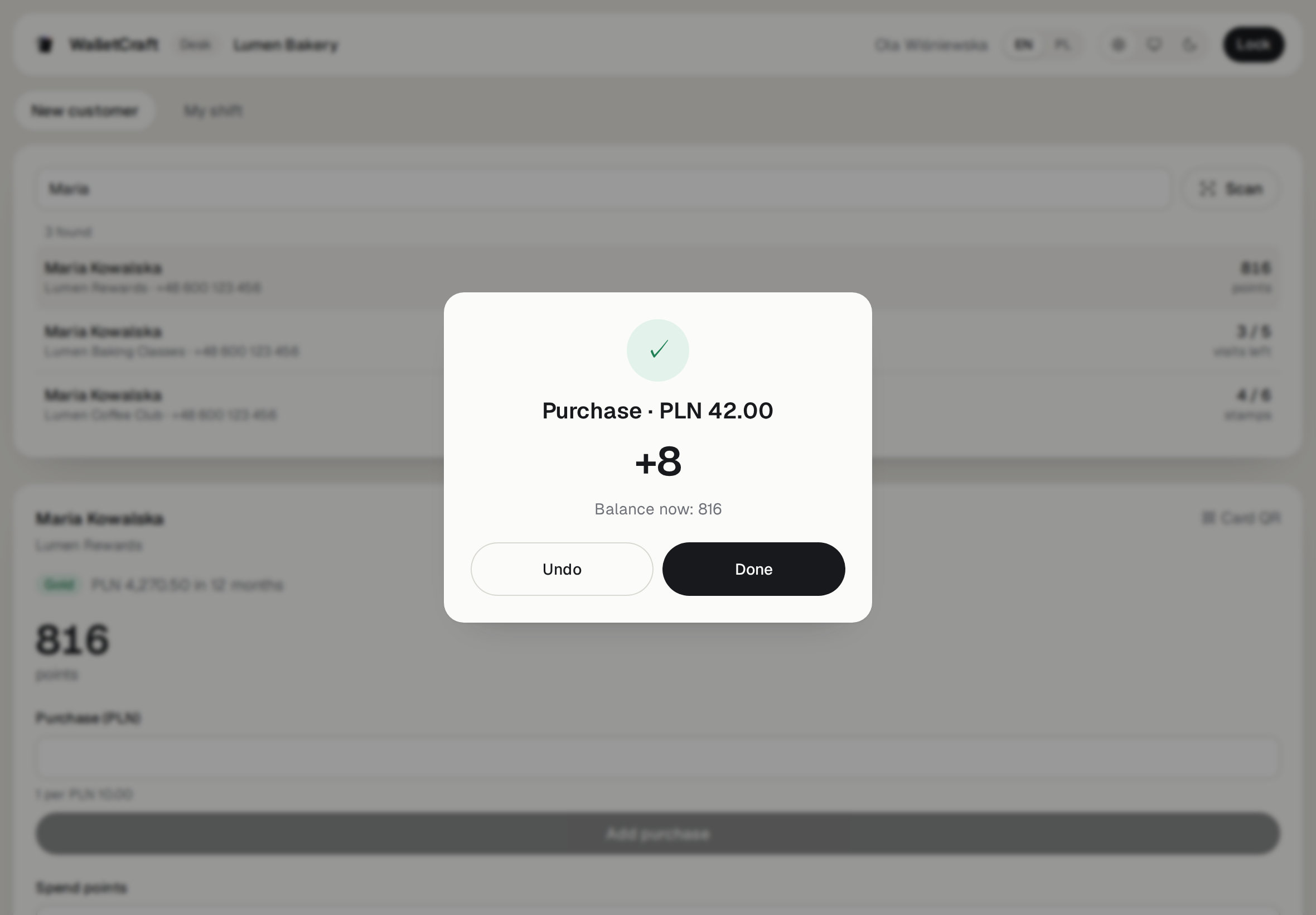
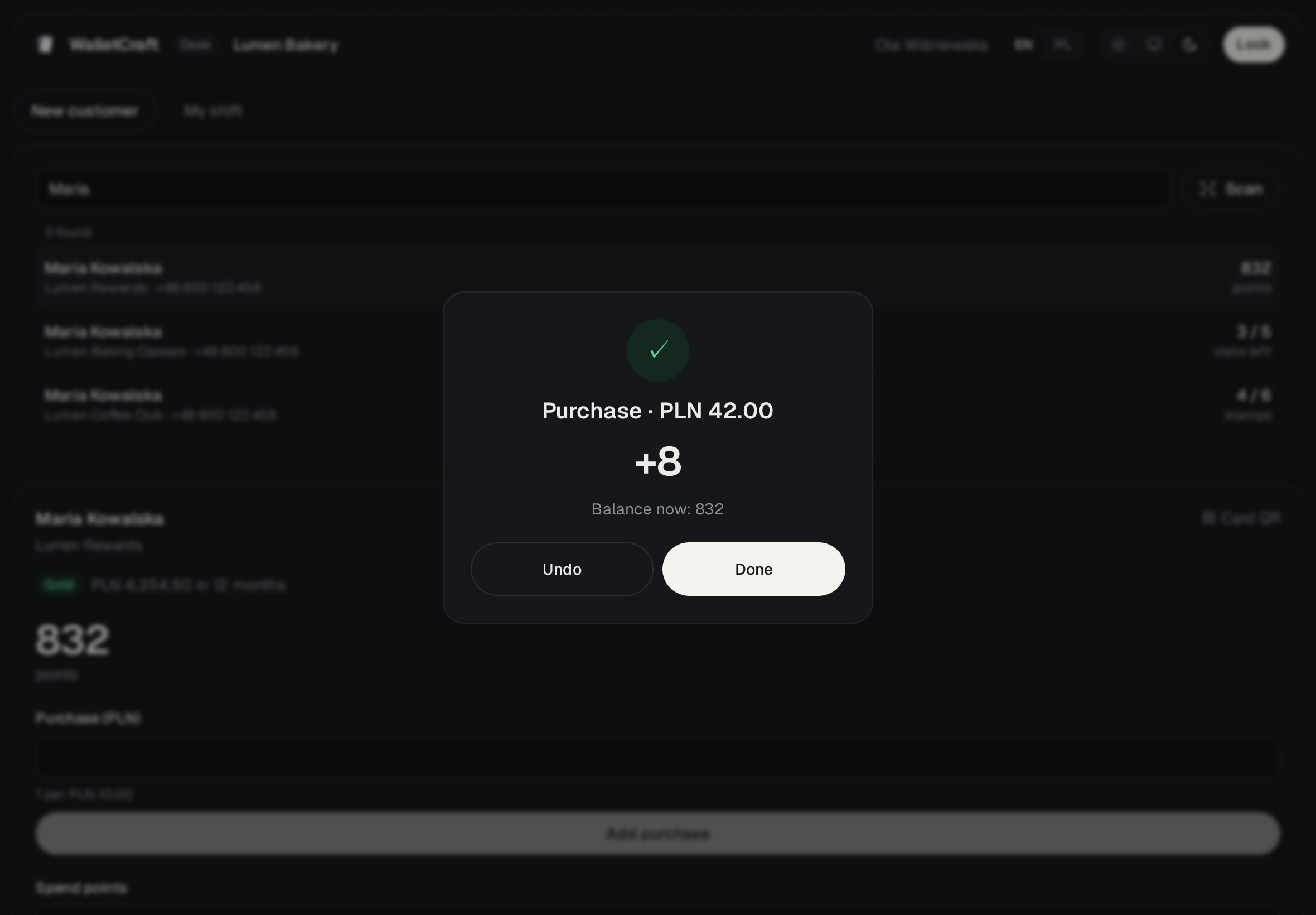
After every operation Desk shows what changed and offers to undo it. Later, staff can cancel their own operation for ten minutes, and managers can cancel any. Nothing is deleted: a cancellation is recorded next to the original, so the history always adds up.
For points cards you can also require a manager’s PIN for large redemptions, so a big reward never goes out without a second pair of eyes.
At the end of the shift
“My shift” shows each person what they did today: stamps, rewards and corrections. Owners and managers see every operation, by person and by location, in the console.
Training your team
- Show the three steps above once, on a real card — your own.
- Give everyone their PIN and ask them to lock the screen when they step away.
- Agree on one sentence to offer the card to new customers.
- Tell them mistakes are fine: Undo is right there.