Loyalty cards in Apple Wallet and Google Wallet, run from one place
Design the card, give it out by link or QR code, and change it whenever you like: every card already on your customers’ phones updates by itself. Points, stamps, messages and numbers in one console.
Free plan for ever: up to 100 active cards. No Apple or Google developer account needed.
Screenshots show demo companies with sample data.
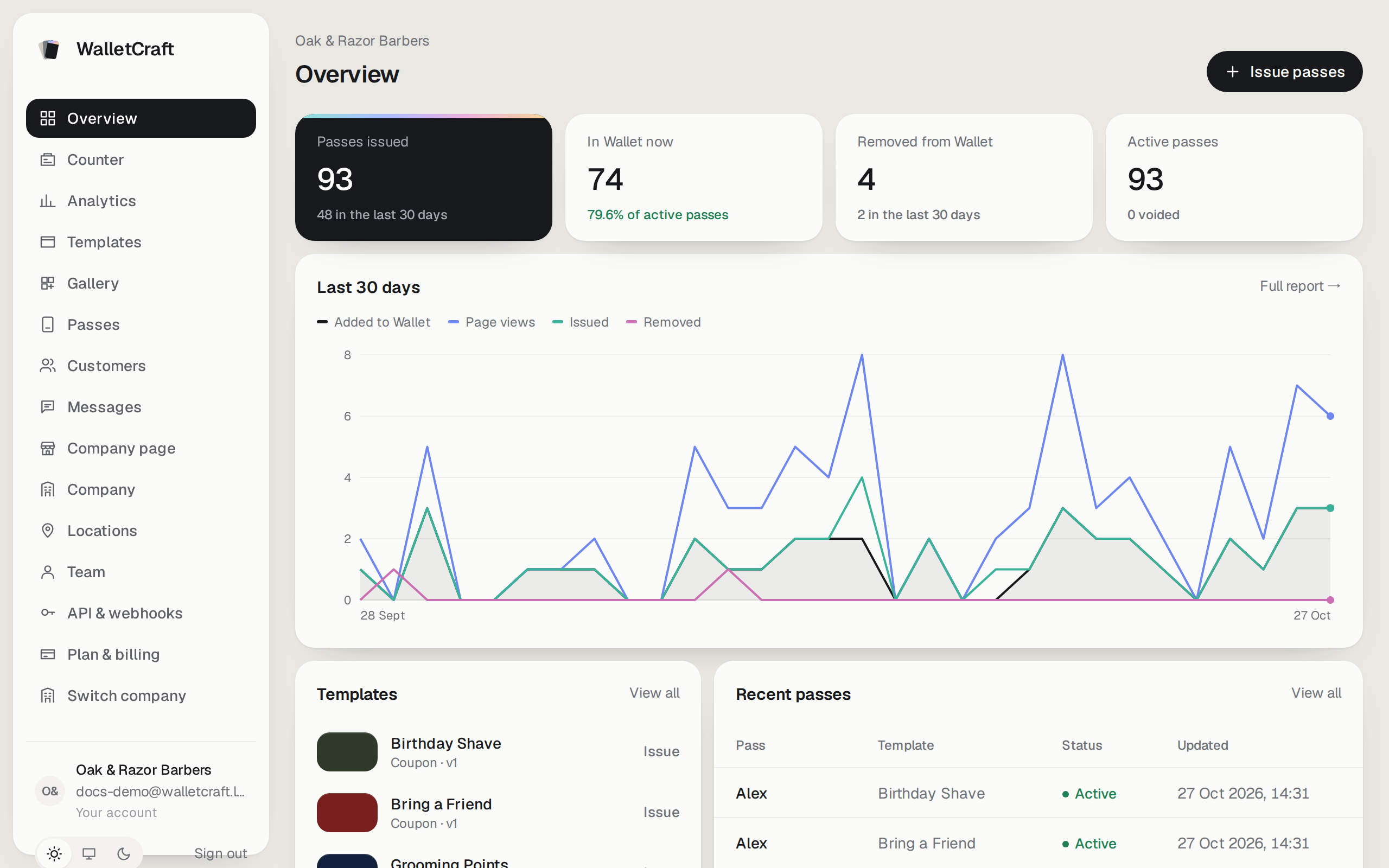
What your customers see
The card on their phone keeps up by itself
A stamp at the counter, a new reward, a message from you: the card in Apple Wallet or Google Wallet changes within moments, and the phone shows a notification on the lock screen.
- No app to install: Wallet is already on the phone
- Balances, stamps and levels always current
- Your news and offers right on the lock screen
How it works
- 01
Design
Pick a template from the gallery, add your logo and colours, and choose what the card counts: points, stamps or visits.
- 02
Give it out
A join link and a QR poster for the counter, your company page or a form on your website. Customers add the card in seconds.
- 03
Keep it alive
Balances change at the counter, messages reach the lock screen, and a new design updates every card at once.
Card designer
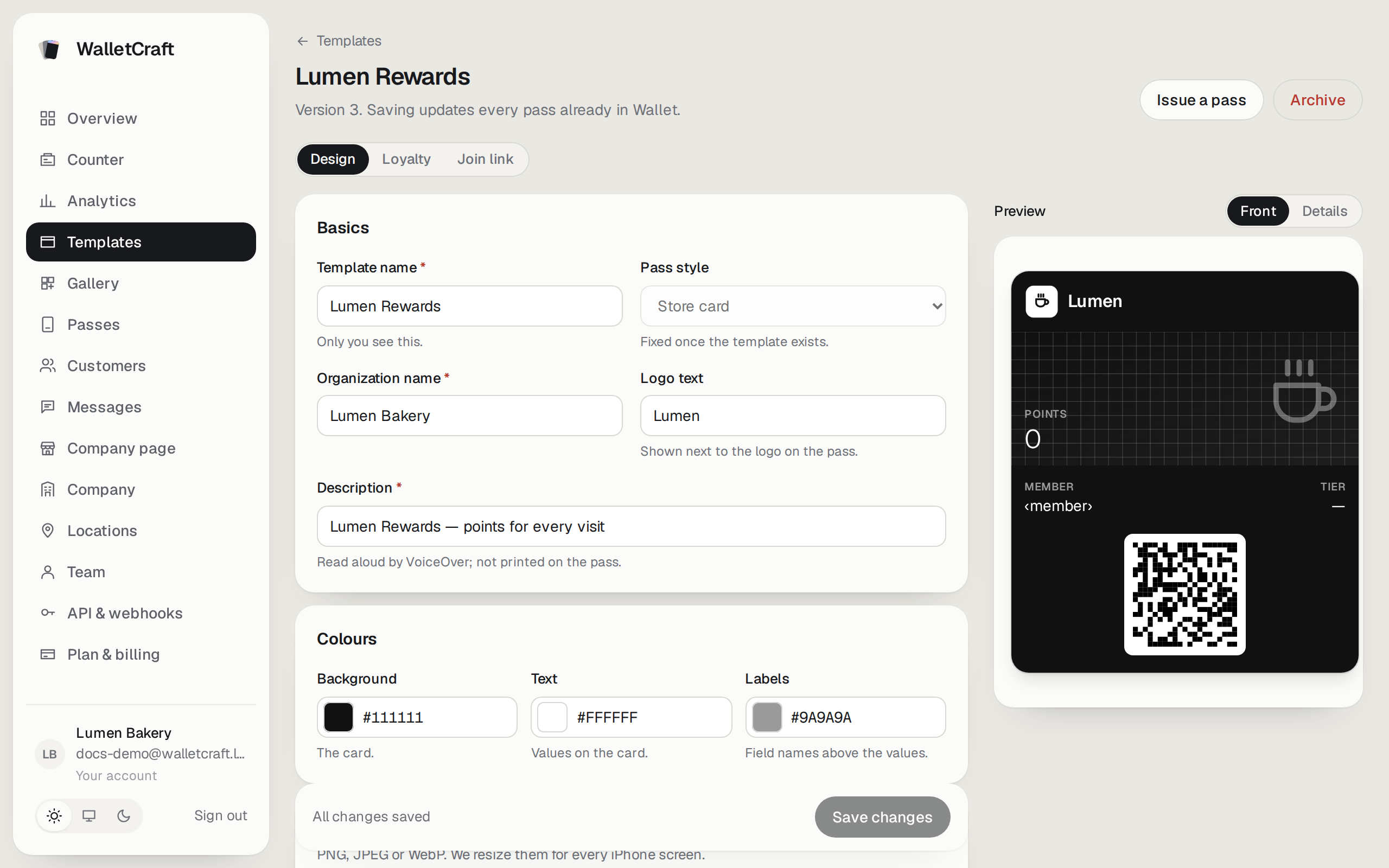
See the card while you make it
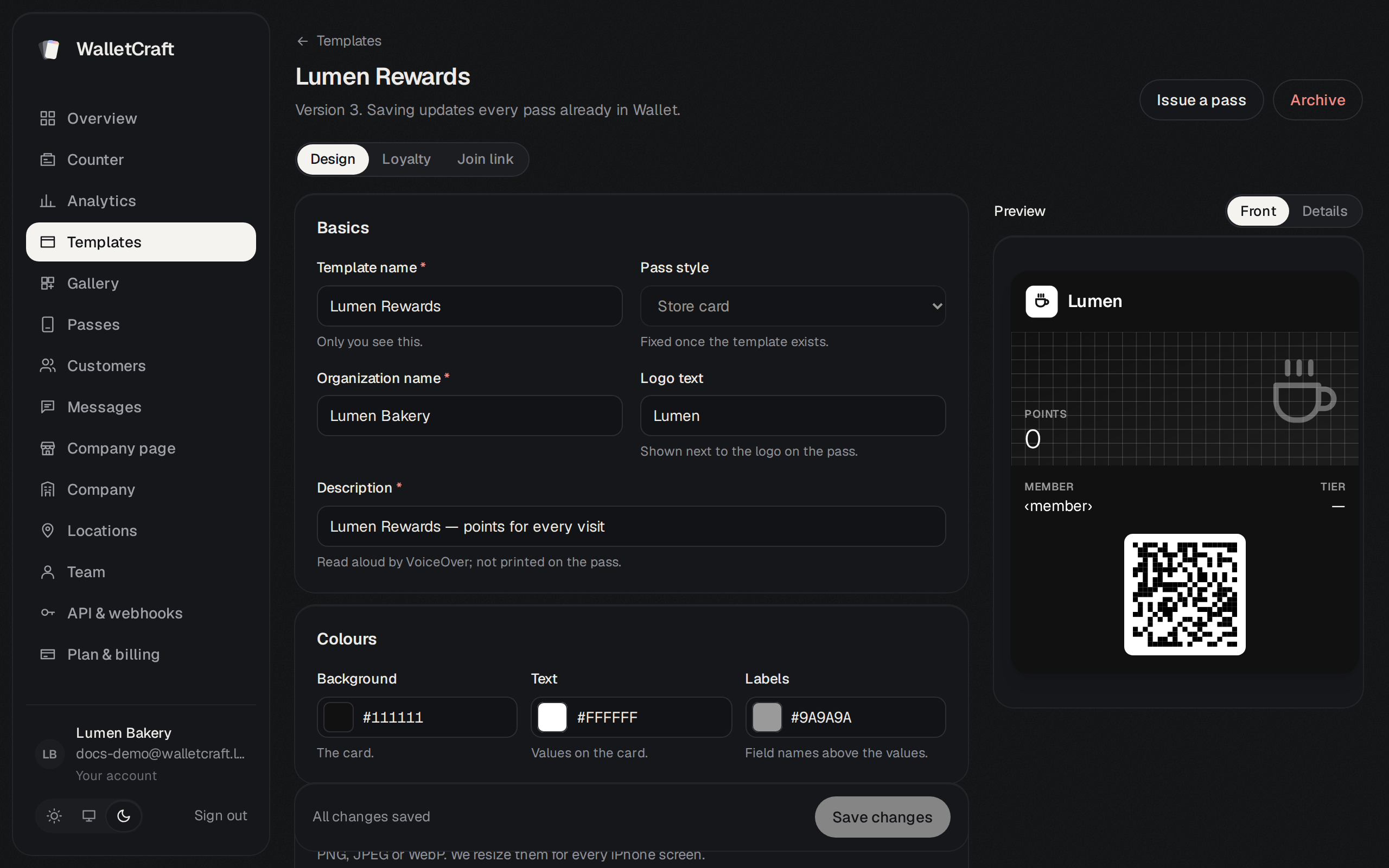
Change colours, images, fields and the back of the card with a live preview of the front and the details. Saving updates every card already in Wallet.
- Store cards, coupons, event tickets and memberships
- Images sized for every iPhone screen automatically
- Your address, opening hours and links on the back
Loyalty programs
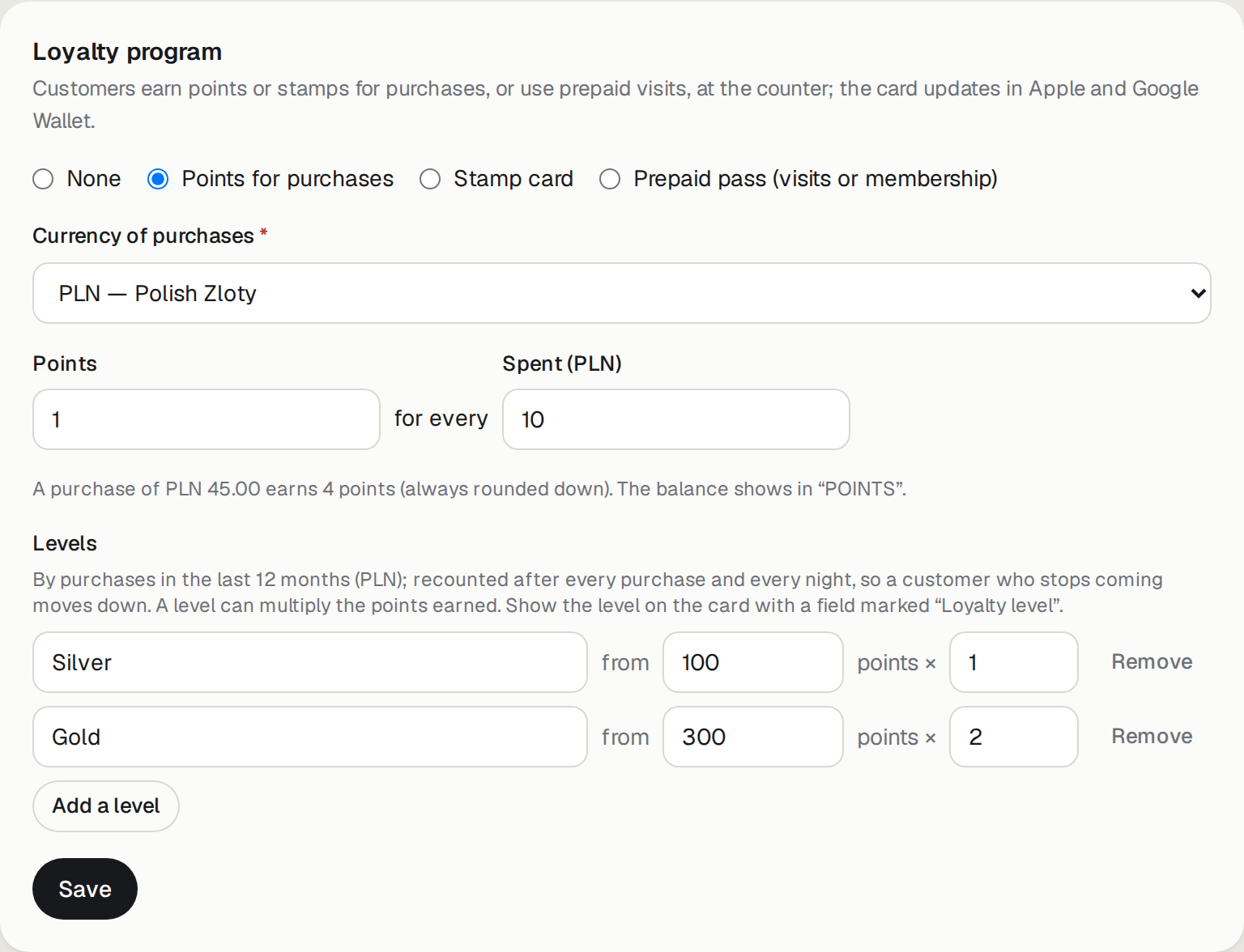
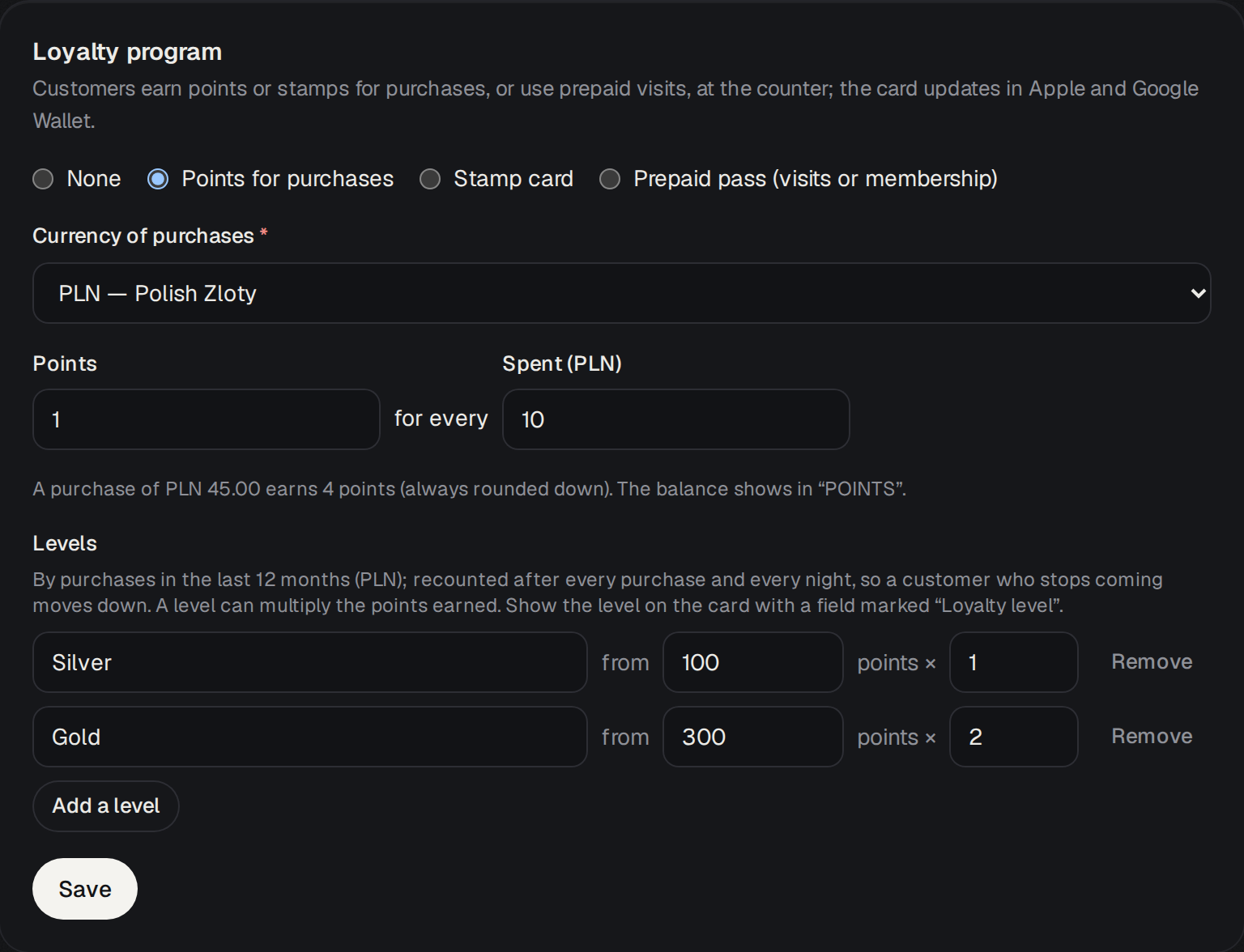
Points, stamps, levels and prepaid visits
Set the rules once per card: points for every złoty or euro spent, a stamp per visit, levels for regulars, or packs of prepaid visits. Every change is recorded and can be cancelled, never lost.
- Rewards your staff give out in two taps
- Levels that follow purchases of the last 12 months
- A journal of every operation per card
CRM: customers and messages
Know your regulars, and reach them on the lock screen
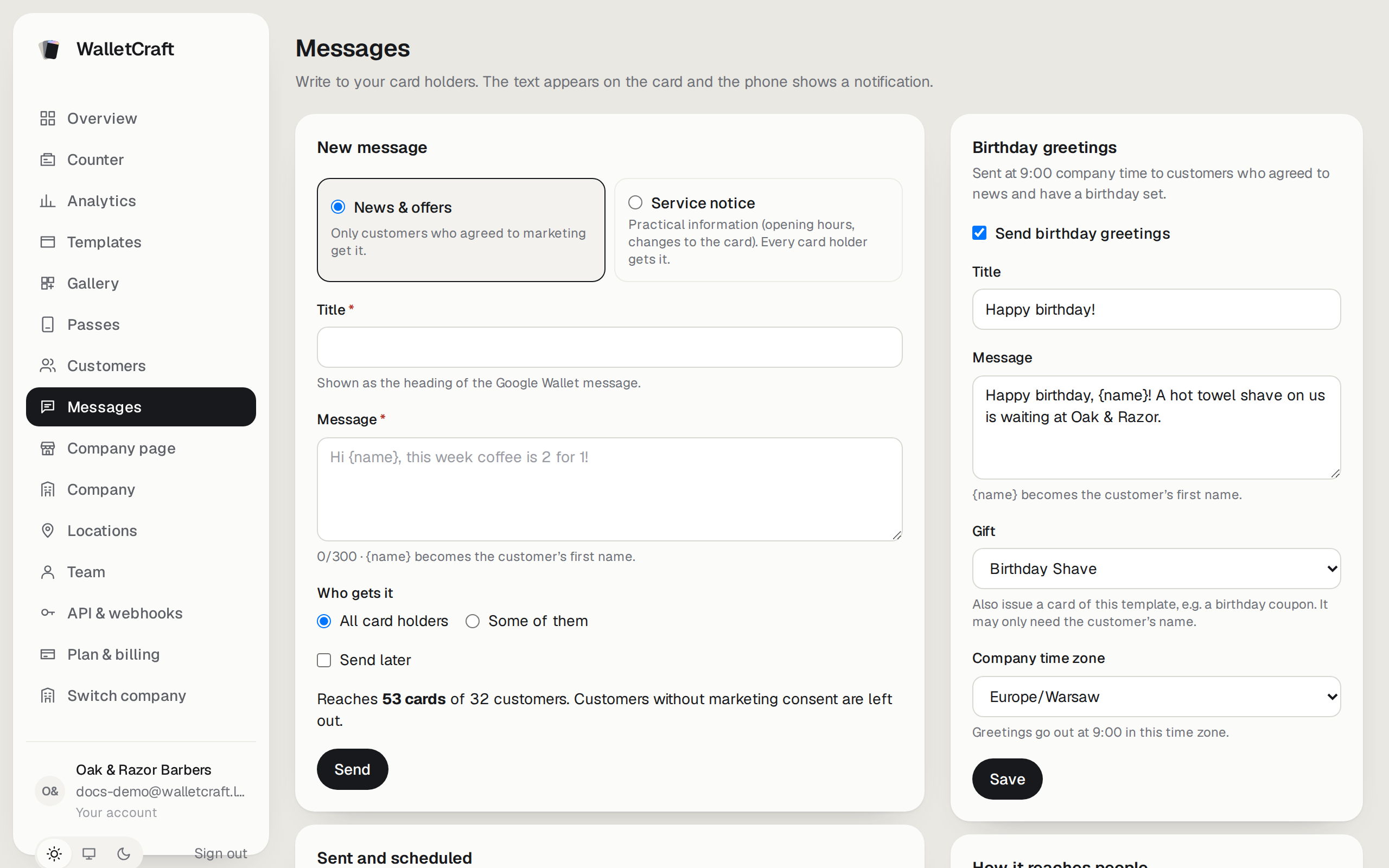
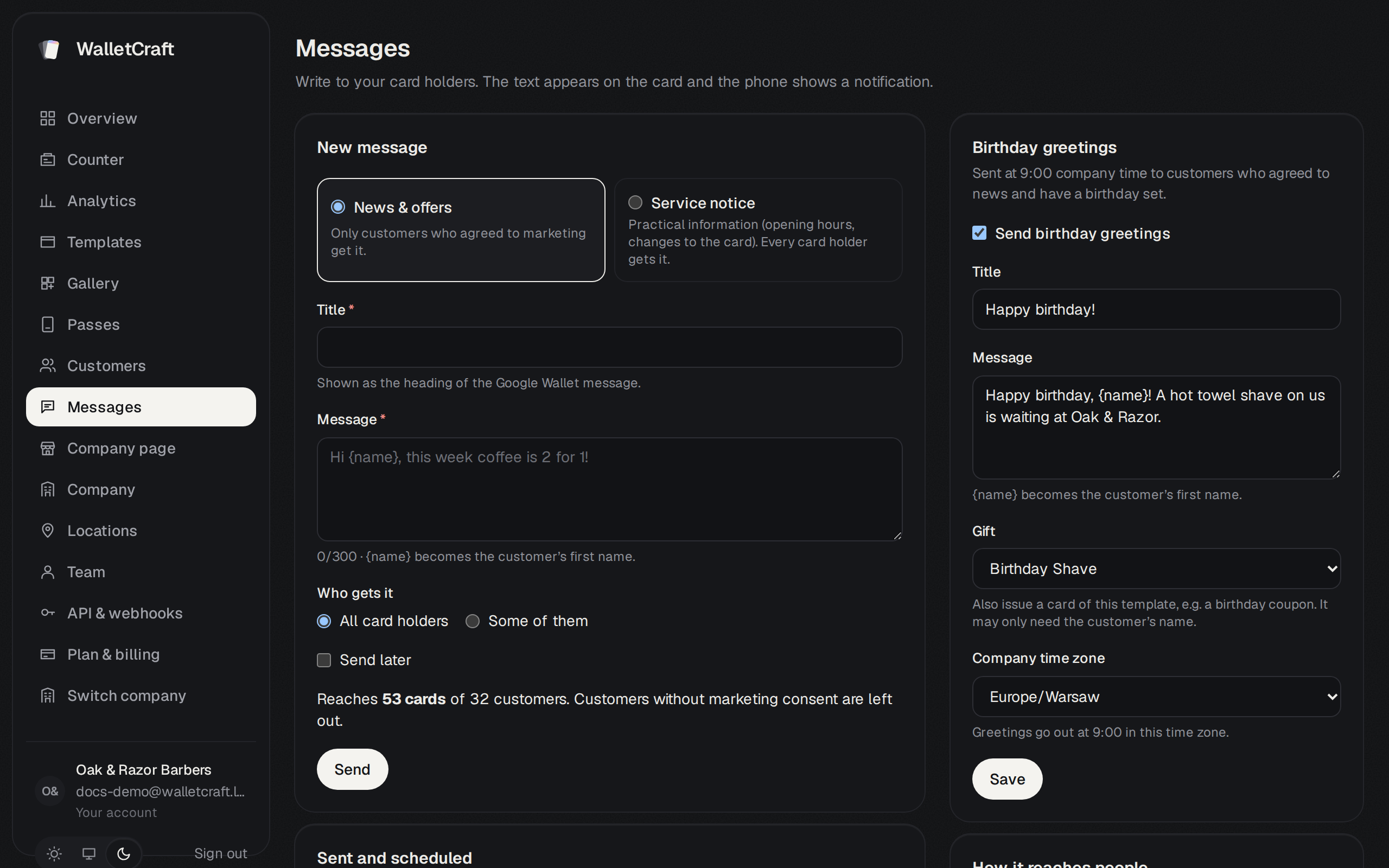
A simple CRM for your regulars: every customer with their cards, visits, purchases and consents in one place. Send news to those who agreed to it, service messages to everyone, and a birthday greeting with a gift.
- Messages appear on the card and the lock screen
- Groups and scheduled sending on Business
- Consents kept with every customer; erase on request
Analytics
See what brings customers back
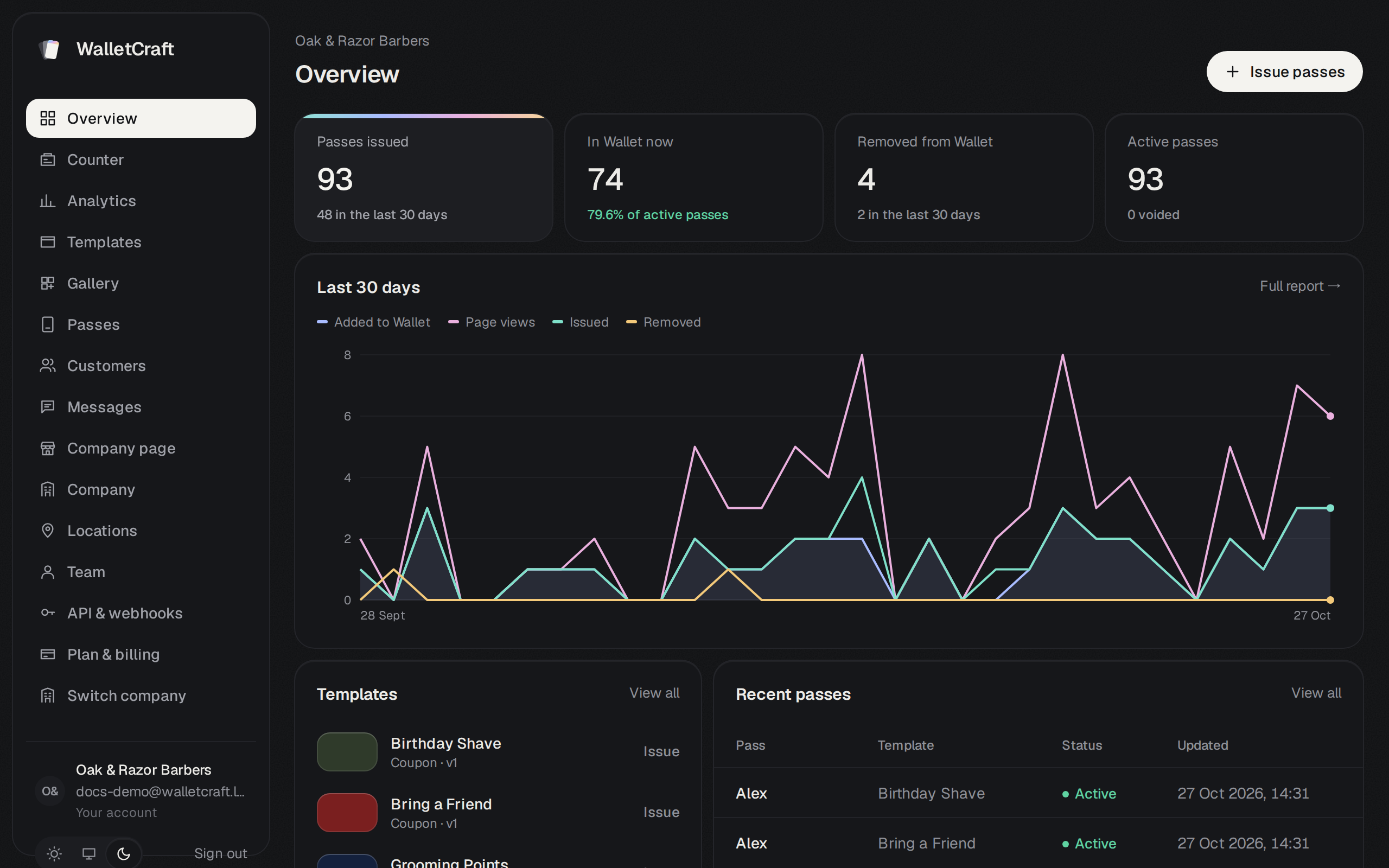
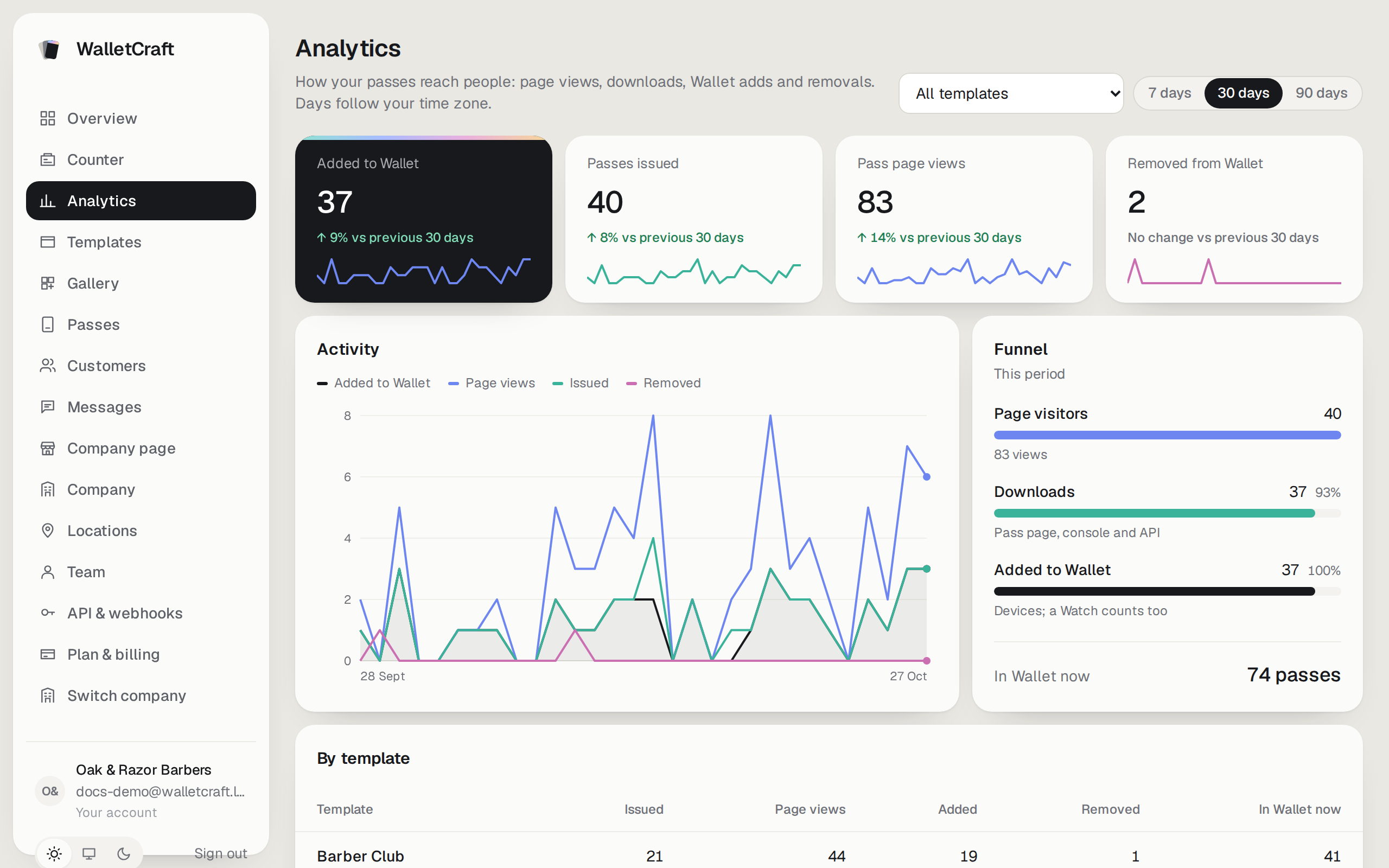
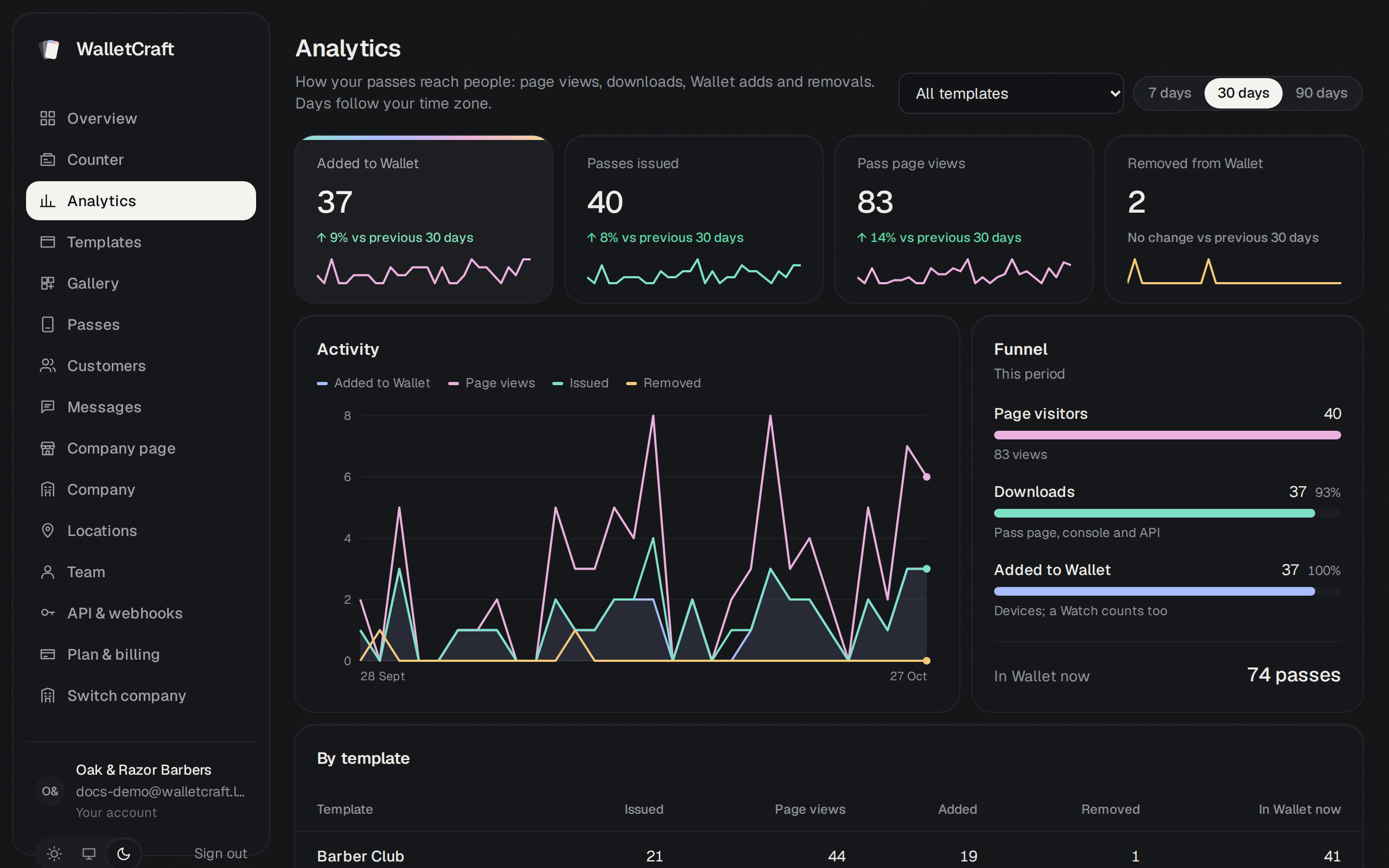
Cards issued, added to Wallet and removed, page views and where new card holders came from — with the cost per card of every campaign you pay for.
- A funnel from page view to Wallet
- Sources: Instagram, flyers, your website, the counter
- Per card design and per location
Also inside
Join links and QR posters
A form for each card, with consents and one card per contact.
Company page
walletcraft.app/c/your-name: your profile and your card in one link.
Locations
Several places with their own addresses, devices and numbers.
Team and roles
Owners, managers and staff with their own sign-in (Business).
CSV import and bulk issue
Bring your existing customers and send their cards at once (Business).
API and webhooks
Issue and update cards from your website or till (Business).
Works together
One account for every part: the card your customers keep is the same one your staff scan and your website issues.
- API & integrationsYour website, shop or till
- ConsoleDesign, issue, update
- The cardIn Apple Wallet and Google Wallet
- DeskScan at the counter
- CardsEvery card in one app
Questions
Do my customers need to install an app?
No. Cards go to Apple Wallet on iPhone and Google Wallet on Android, which are already on the phone. Customers without them keep the card’s page or WalletCraft Cards.
Do I need an Apple or Google developer account?
No. WalletCraft signs and delivers the cards; you only design them and give them out.
What happens to cards already issued when I change the design?
They update on your customers’ phones by themselves, usually within minutes. The same goes for balances, levels and messages.
How do customers get a card?
Through a join link or a QR poster at the counter, your company page, a form on your website, an email or SMS you send, or from your staff in WalletCraft Desk.
What does it cost?
The Free plan is free for ever with up to 100 active cards. Start and Business add more cards, locations and features; see the pricing page.
Your first card in an afternoon
Start free, or tell us about your business and we’ll help you set up the first program.