Your customers’ cards, always at hand
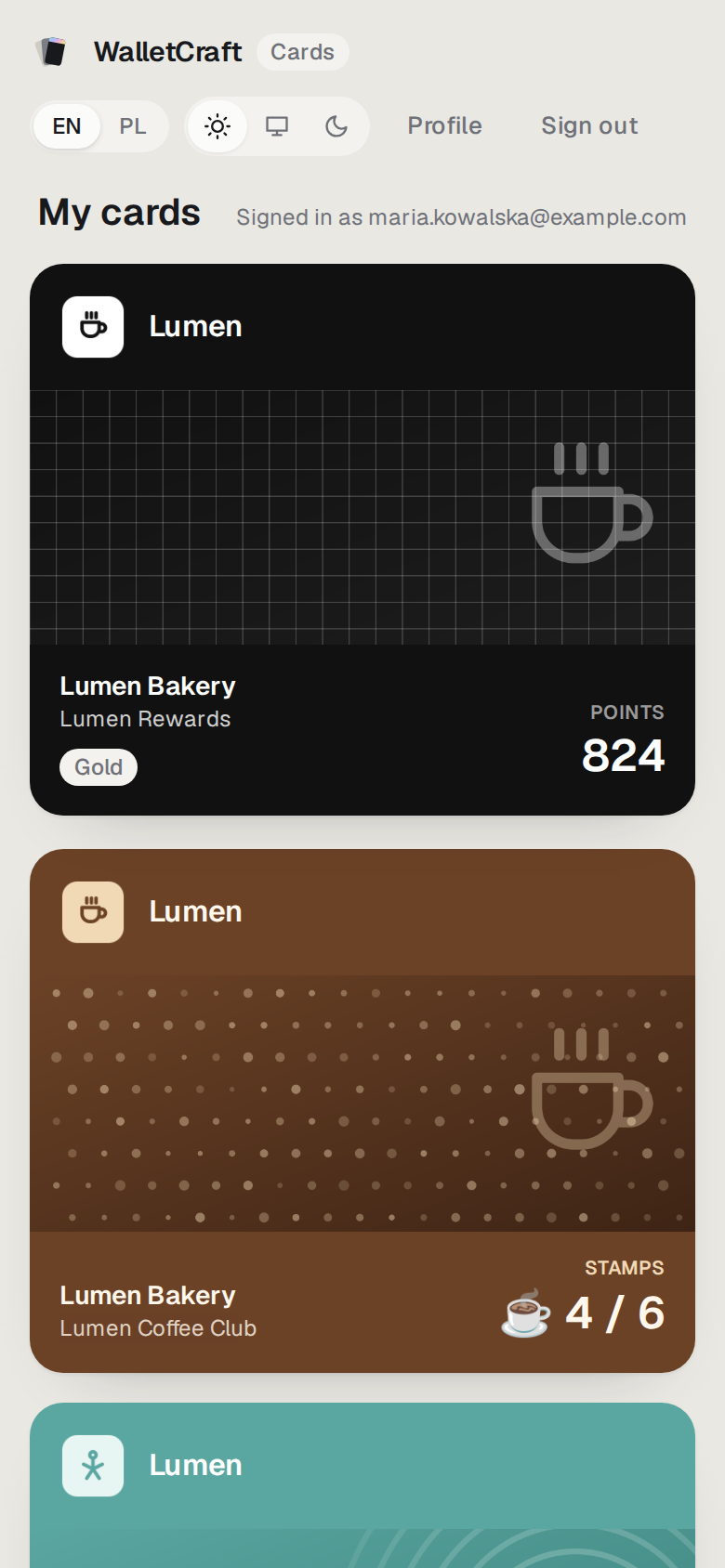
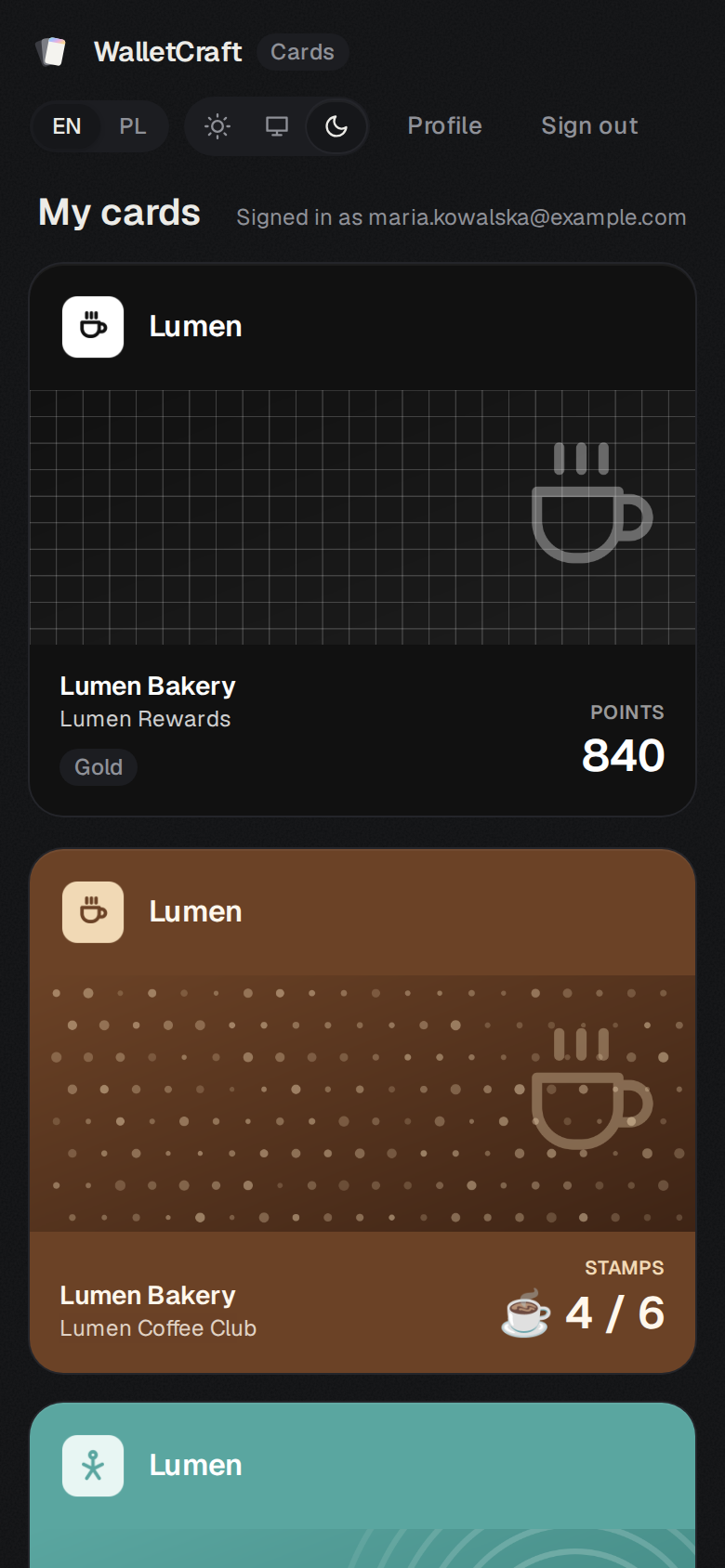
In WalletCraft Cards, a card holder sees every card they have from places that use WalletCraft: balance, rewards, your news and their history — also on phones without Apple or Google Wallet. You set nothing up.
Free for card holders. They sign in with their email and a one-time code; no password.
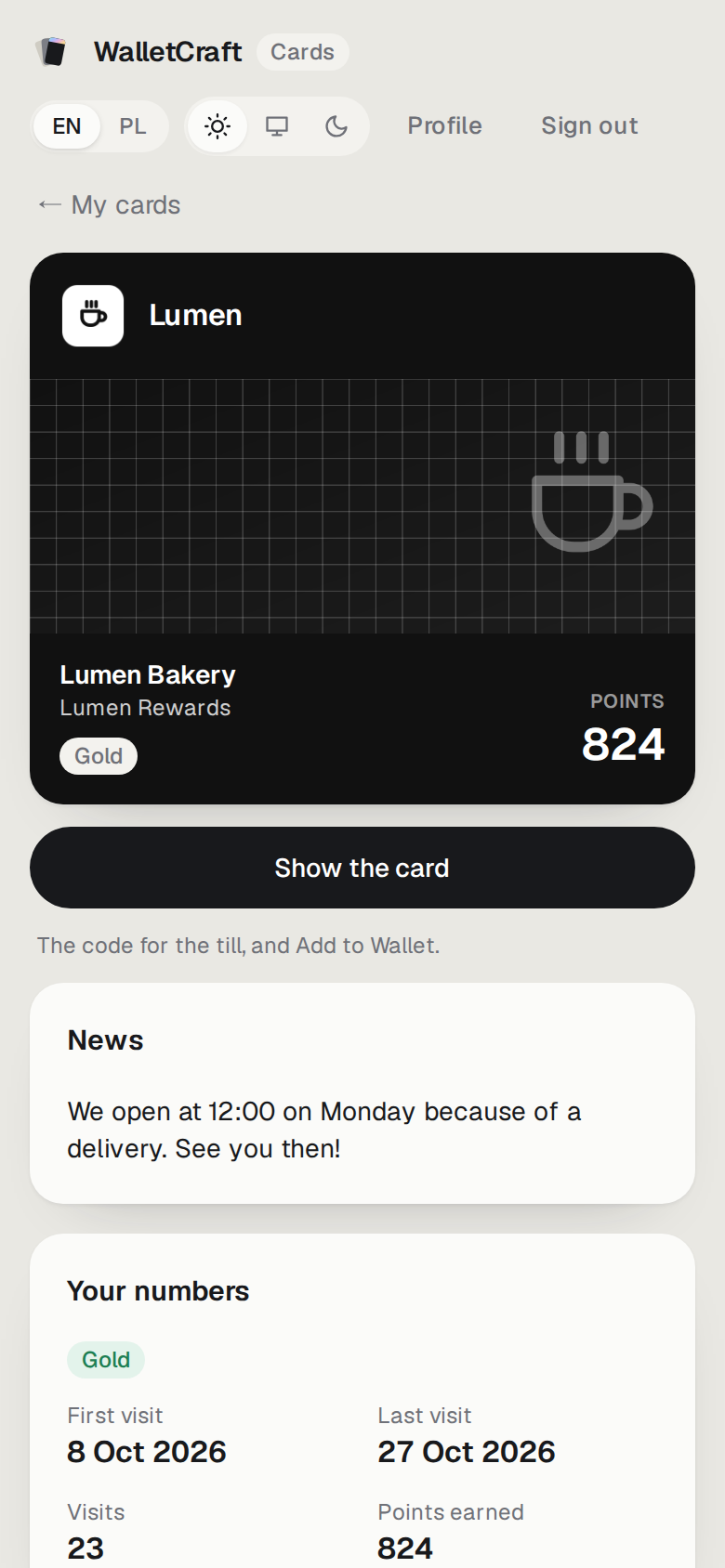
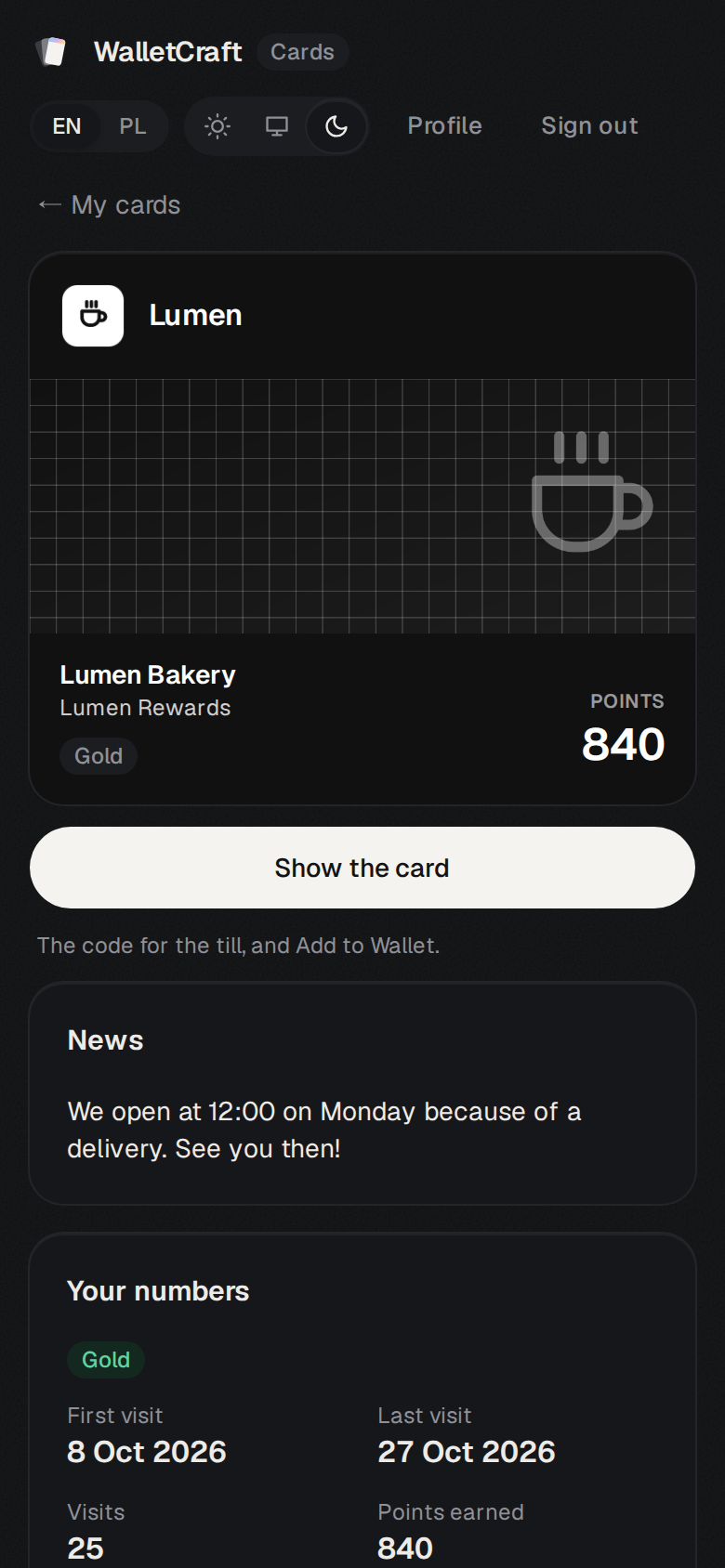
Screenshots show demo companies with sample data.
How it works
- 01
Open it
From the “All your cards” link on the back of every card, or at cards.walletcraft.app.
- 02
Sign in with a code
The customer enters their email and the one-time code we send. No password to remember.
- 03
All cards in one list
Every card issued to that email, and any card opened from its link, with its balance and news.
One card in detail
Balance, level, news and history
Each card shows its points or stamps, the level, your latest news and the customer’s own numbers: first and last visit, visits and points earned.
- “Show the card”: the code for the till and Add to Wallet
- Your news, as on the card in Wallet
- Purchase amounts only if you allow it
Without a Wallet app
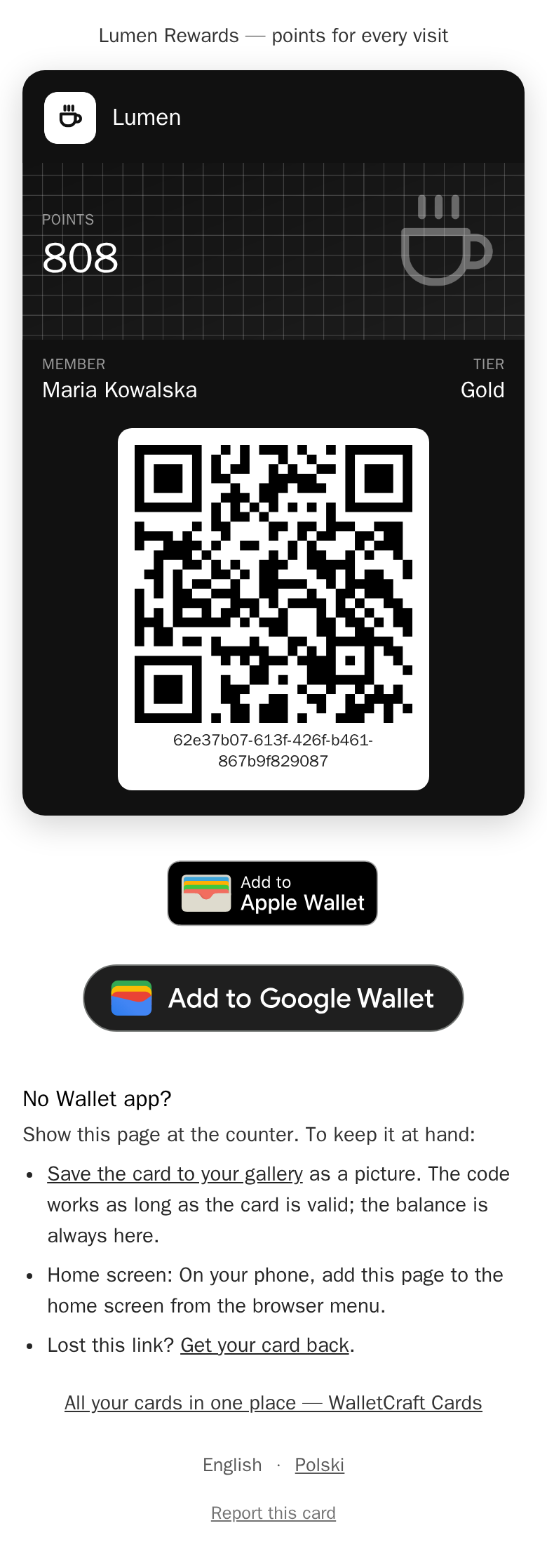
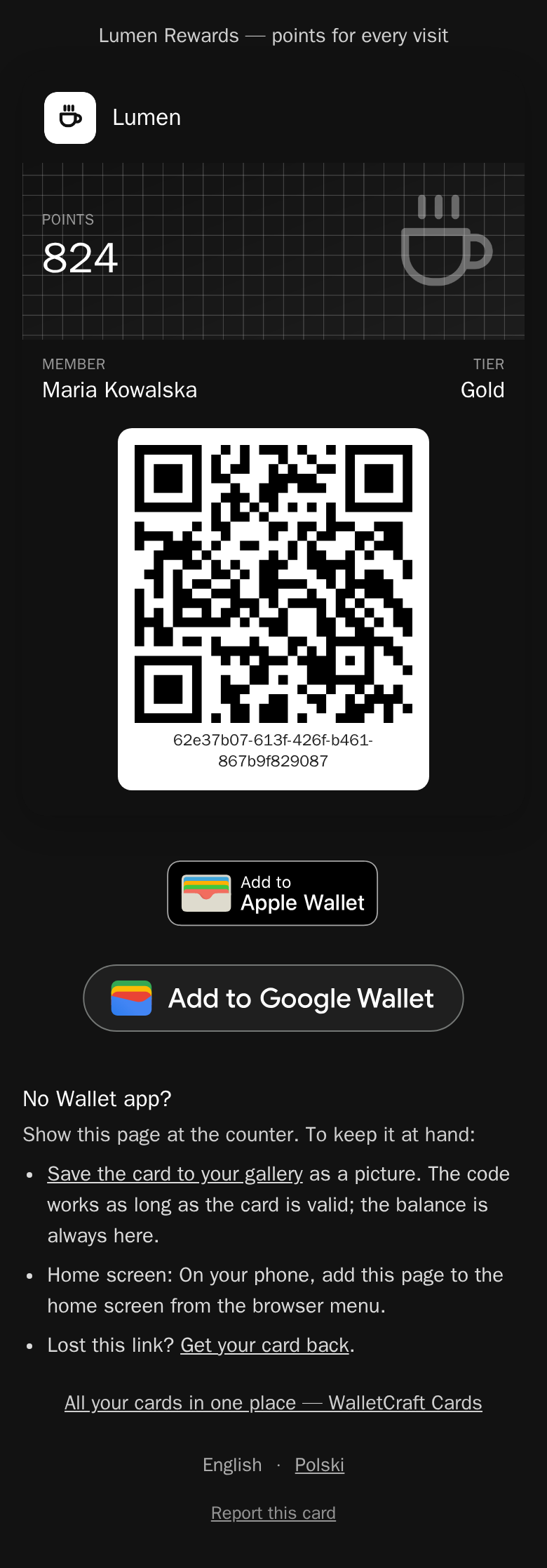
Every card has its own page
Customers whose phones have no Wallet show the card’s page at the counter. They can save it as a picture or add it to the home screen, and the balance there is always current.
- The code works as long as the card is valid
- Add to Apple Wallet or Google Wallet any time
- In the customer’s language: English or Polish
Lost the link?
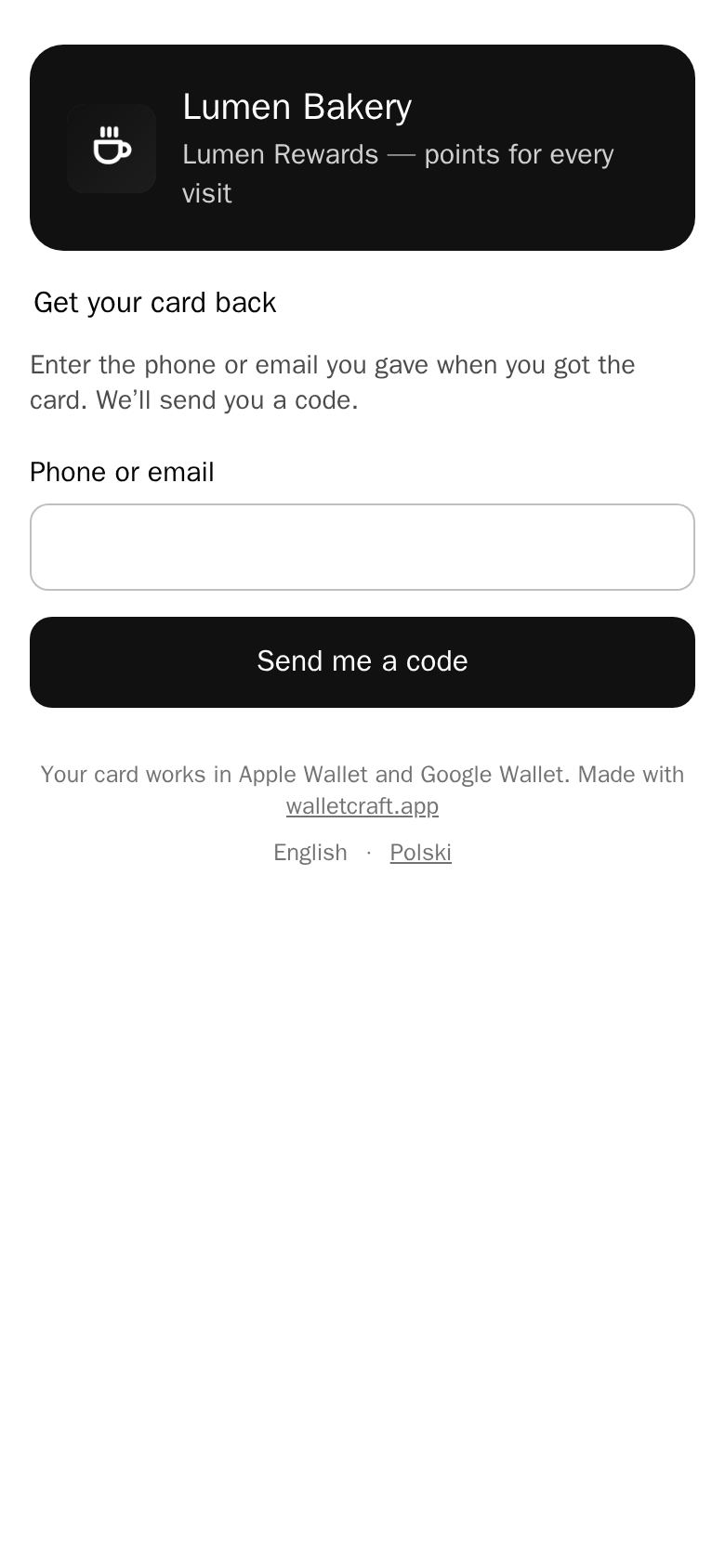
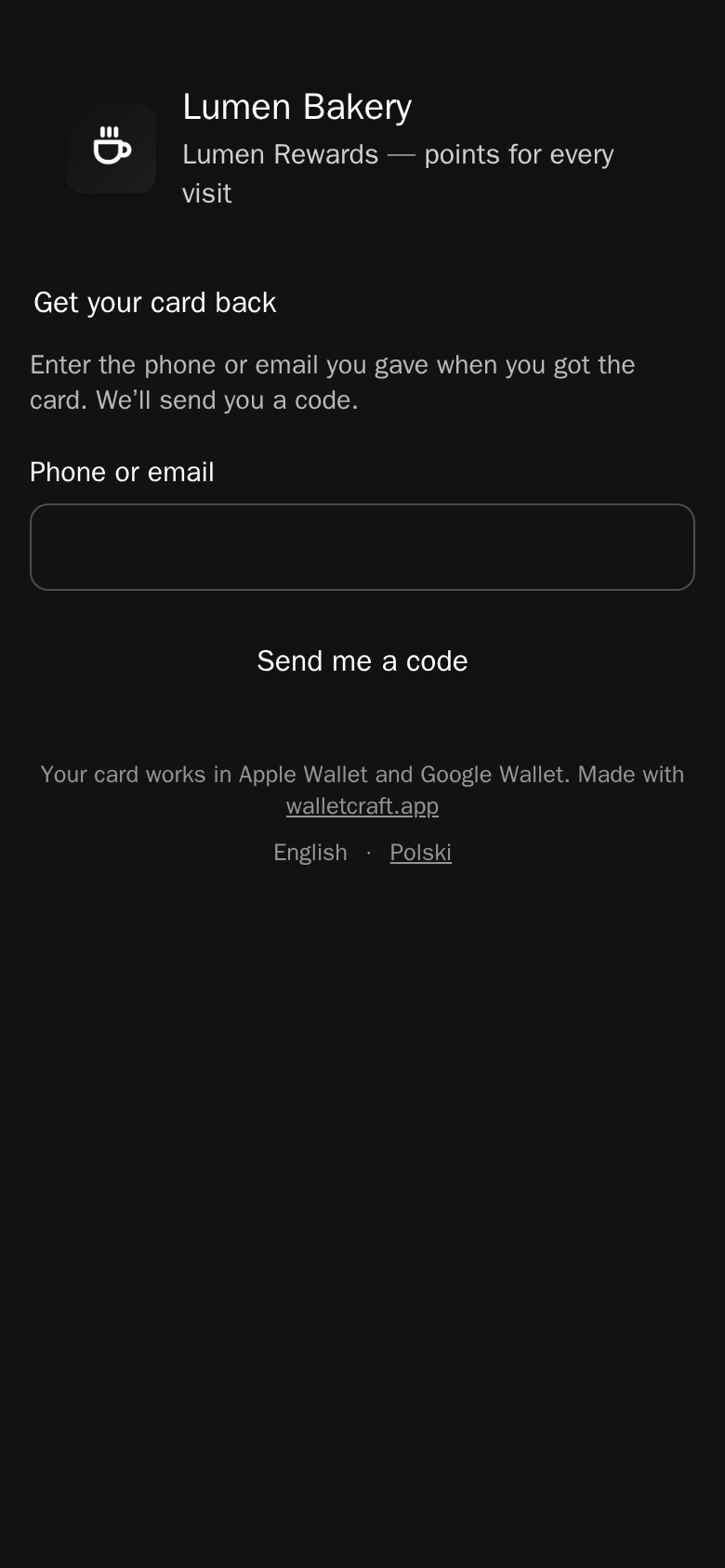
The card comes back with a code
A customer who lost their card enters the email or phone they gave you and gets a one-time code. The page answers the same whether or not the contact is known.
- A one-time code by email, or by SMS where it’s set up
- Nothing about the customer is revealed to others
- The same card, not a new one
Also inside
A link on every card
“All your cards” on the back of each card leads to Cards.
English and Polish
The app speaks the customer’s language.
Their own data
Card holders export or erase their data themselves.
Your choice
A company can keep its cards out of Cards in the console.
Amounts only if you allow
Purchase amounts stay hidden unless you turn them on.
No app store
A web app: open it, and add it to the home screen if you like.
Works together
One account for every part: the card your customers keep is the same one your staff scan and your website issues.
- API & integrationsYour website, shop or till
- ConsoleDesign, issue, update
- The cardIn Apple Wallet and Google Wallet
- DeskScan at the counter
- CardsEvery card in one app
Questions
Is it free for my customers?
Yes. WalletCraft Cards costs card holders nothing, and it comes with every WalletCraft plan.
Do customers need a password?
No. They sign in with their email and a one-time code we send to it.
Which cards appear there?
Cards issued to the customer’s confirmed email, and any card they open from its own link, from companies that use WalletCraft and keep Cards on.
Can my company stay out of it?
Yes: one switch in the console hides your cards from Cards. They keep working in Wallet and on their pages.
What about privacy?
Cards shows a customer only their own cards after they confirm their email, never stores the IP addresses of card page visitors, and lets them export or erase their data.
A better home for your cards
Cards comes with every WalletCraft account. Start with the card itself.