The counter app for your loyalty cards
Your staff find the customer by name, phone or the card’s code, add a purchase or a stamp and give out the reward, each with their own PIN. In the browser of a tablet or phone you already have.
Included in every plan: Free has 1 Desk device, Start 2, Business 10.
Screenshots show demo companies with sample data.
What the customer sees
A stamp at the counter, the card updated in their Wallet
The moment your staff confirm, the card on the customer’s phone shows the new balance, and a notification tells them how close the reward is.
- Works with Apple Wallet and Google Wallet cards alike
- Customers without Wallet show the card’s page instead
- The same balance in the console, on the card and in Cards
How it works
- 01
Pair the device
In the console, add a device to a location and type its one-time code on the tablet or phone.
- 02
Sign in with a PIN
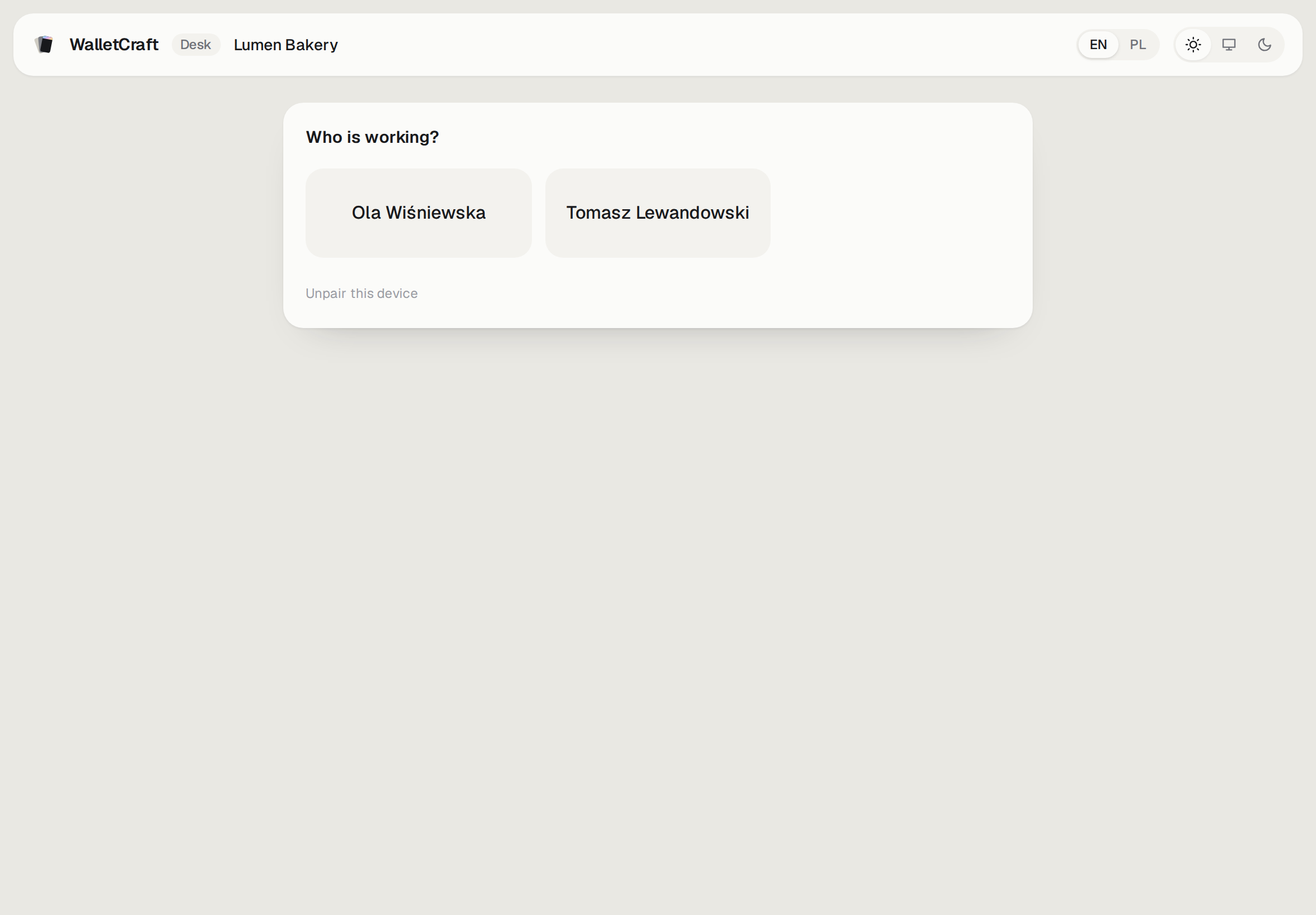
Each person taps their name and enters their own PIN. Lock the screen with one tap when you step away.
- 03
Serve
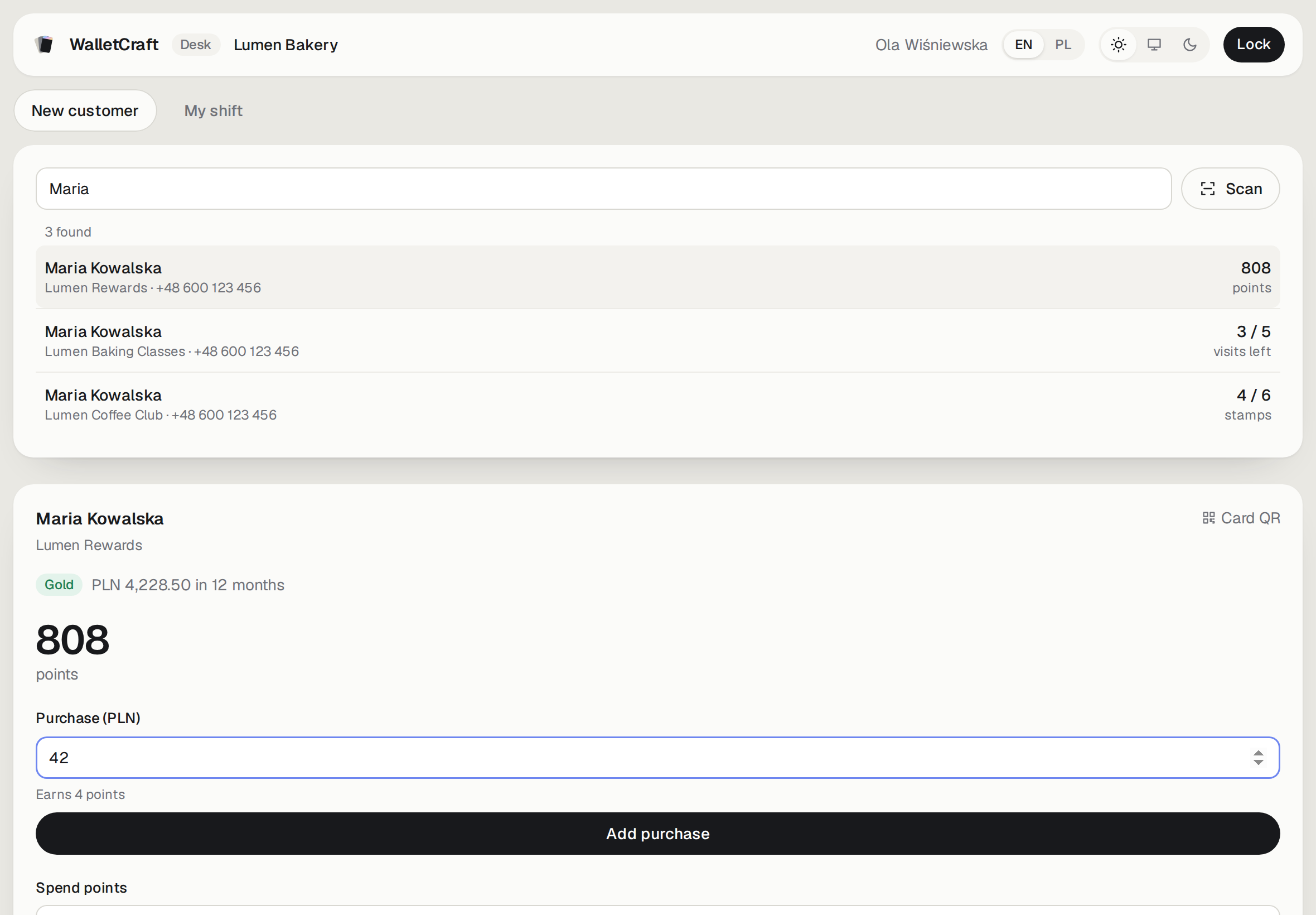
Find the customer or scan the card, add the purchase, stamp or visit, and give out the reward.
Who is working
One device for the team, a PIN for each person
The tablet stays at the counter; everyone signs in with their own PIN. Every operation records who did it, so the journal and the shift report add up.
- Team members and their PINs from the console
- “My shift”: what each person did today
- A manager’s PIN for large changes
At the counter
Find, add, reward — in seconds
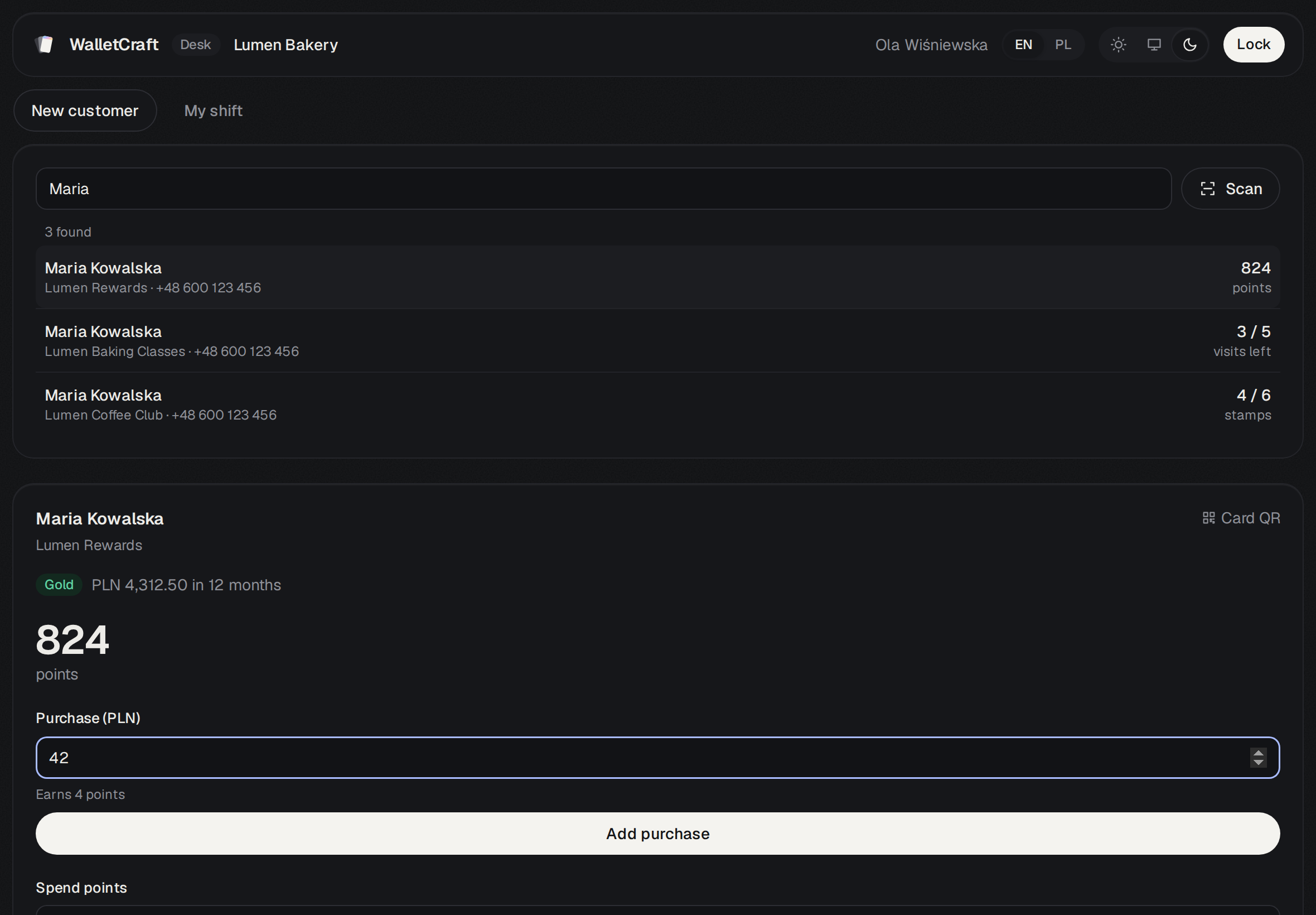
Search by name or phone, or scan the code on the customer’s phone. Desk knows the card’s program: points for the amount, a stamp per visit, or a visit off a prepaid pack.
- Scan the card’s code with the camera
- Points from the amount, stamps and prepaid visits
- A new customer gets a card on the spot, by QR code
Mistakes happen
Undo in a tap
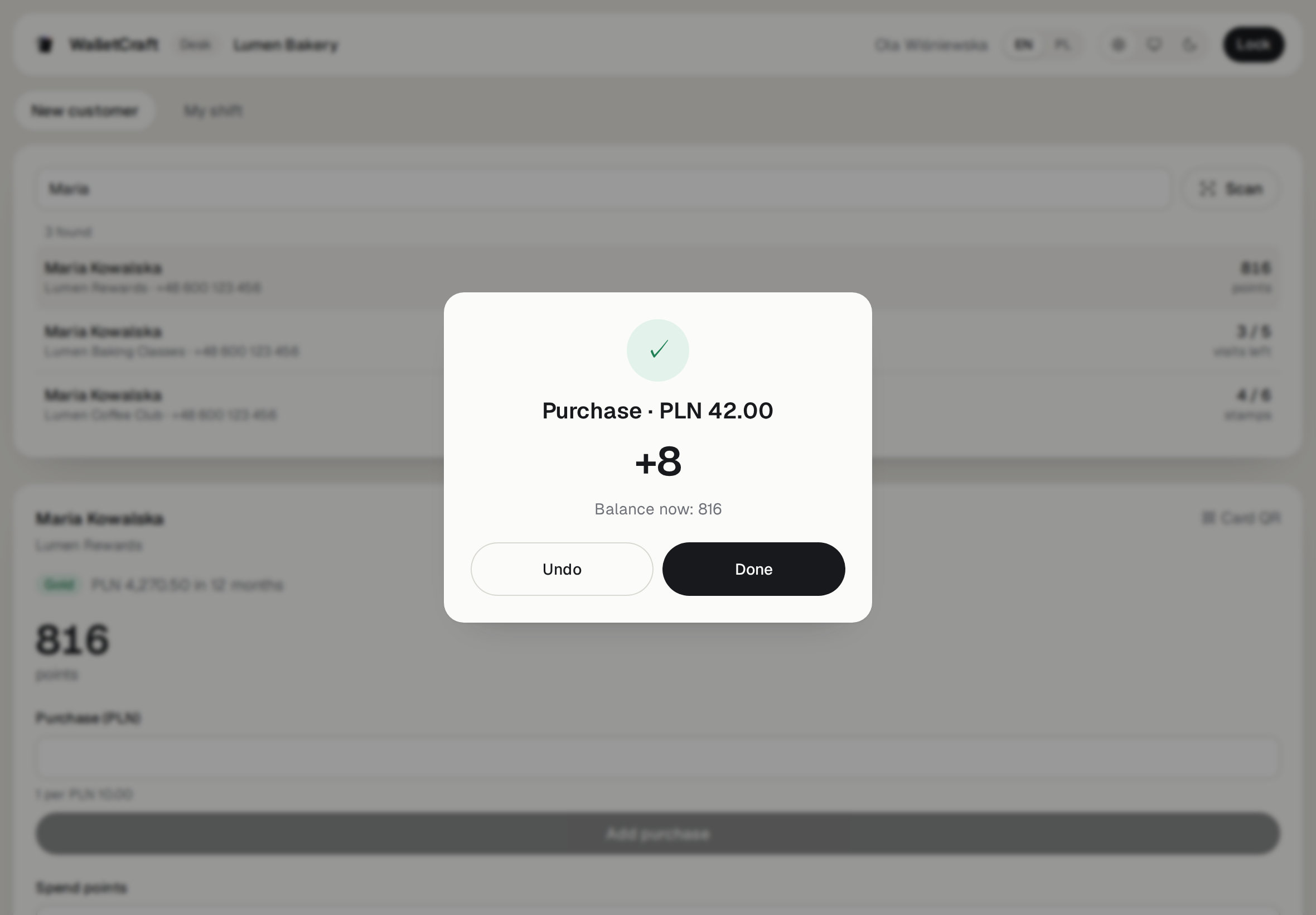
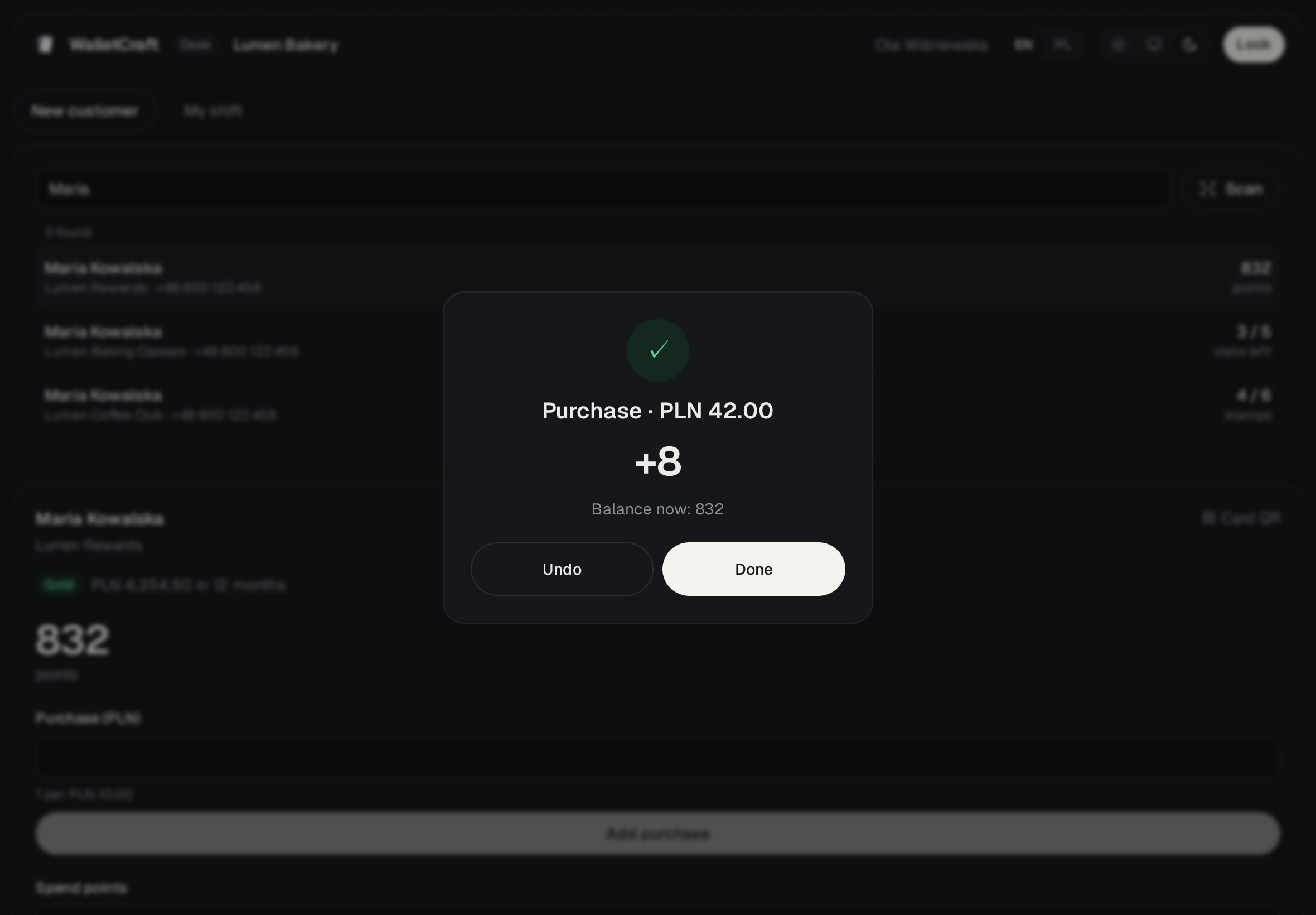
Every operation is confirmed with what changed and the new balance. A wrong one is undone right away; later, staff cancel their own for ten minutes and managers cancel any — nothing is ever deleted.
- The new balance shown after every operation
- Cancelled, not deleted: the journal stays complete
- Large redemptions need a manager’s approval
Also inside
Any device with a browser
Tablet, phone or the till’s computer; nothing to install.
English and Polish
Each person picks the language of the screen.
Per location
A device belongs to a place: operations and numbers follow it.
Prepaid passes
Sell a pack of visits or a membership and take visits off it.
New cards at the counter
Issue a card for a walk-in customer and show the QR code to add it.
Also in the console
The same counter screen is in the console for owners and managers.
Works together
One account for every part: the card your customers keep is the same one your staff scan and your website issues.
- API & integrationsYour website, shop or till
- ConsoleDesign, issue, update
- The cardIn Apple Wallet and Google Wallet
- DeskScan at the counter
- CardsEvery card in one app
Questions
Do I need special hardware?
No. Desk runs in the browser of any tablet, phone or computer. A camera lets you scan the card’s code; without one, staff search by name or phone.
How do I connect a device?
In the console, open Locations, add a device and get a code. Open Desk on the device and type the code. You can disconnect a device at any time.
How many devices can I use?
Free includes 1 Desk device, Start 2 and Business 10. Each can be used by the whole team.
What if someone makes a mistake?
Undo right after the operation. Later, staff cancel their own for ten minutes and managers cancel any; the cancellation is recorded, the original stays in the journal.
Does it work with Google Wallet cards?
Yes. Desk works with the card, not the wallet: Apple Wallet, Google Wallet and the card’s page all show the same code.
Your counter, ready today
Pair a tablet you already have, give each person a PIN, and serve the next customer.