Connect your website, shop or till to Wallet cards
Issue a card when someone signs up on your website, record purchases from your till, read balances, and get a signed webhook when a card is added to Wallet or its balance changes.
API keys and webhooks come with the Business plan.
Screenshots show demo companies with sample data.
# POST a new card for your website's new usercurl https://api.walletcraft.app/api/v1/templates/$TEMPLATE_ID/passes \ -H "Authorization: Bearer $WALLETCRAFT_API_KEY" \ -H "Idempotency-Key: signup-1042" \ -H "Content-Type: application/json" \ -d '{ "fieldValues": { "member": "Anna" }, "customer": { "email": "anna@example.com", "consents": { "privacy": { "version": "2026-10" } } } }' # 201 Created{ "id": "0199…", "status": "active", "publicUrl": "https://walletcraft.app/p/8oUN29Ws…" }How it works
- 01
Create a key
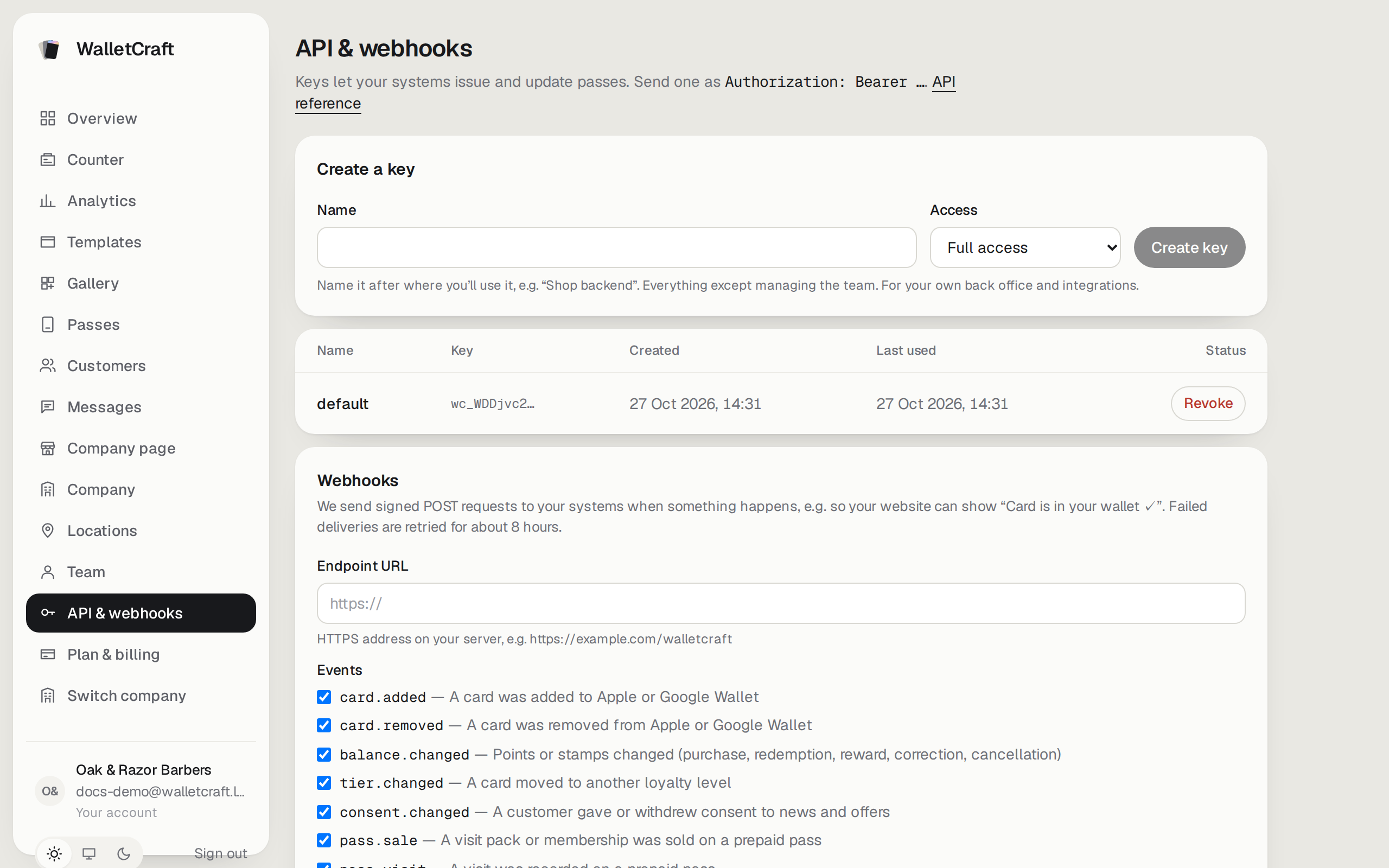
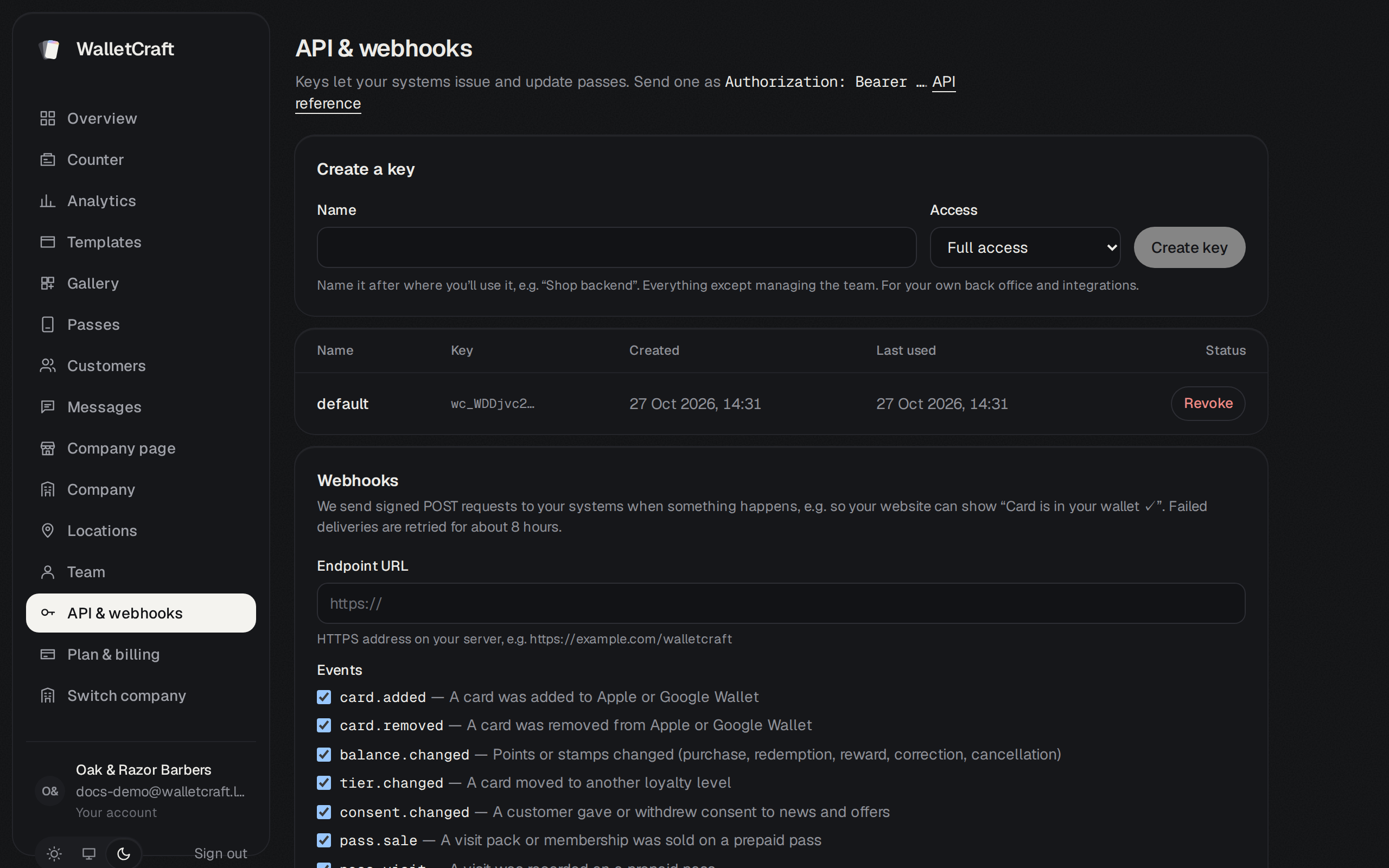
In the console, under API & webhooks: a Website key that may only issue cards, or a full key for your back office.
- 02
Call the API
JSON over HTTPS with the key in the Authorization header. Retries are safe with an Idempotency-Key.
- 03
Listen for changes
Add your endpoint and pick the events: cards added to Wallet, balances, levels, consents.
Keys and webhooks
Each system gets the access it needs
A website key can only issue cards and read a card by its id; a full key runs your back office. Webhooks are signed POST requests to your server, retried for about eight hours.
- Website and full-access keys, revocable any time
- When each key was last used
- Events: card added or removed, balance, level, consent
Documentation
Written for the developer who has to ship it
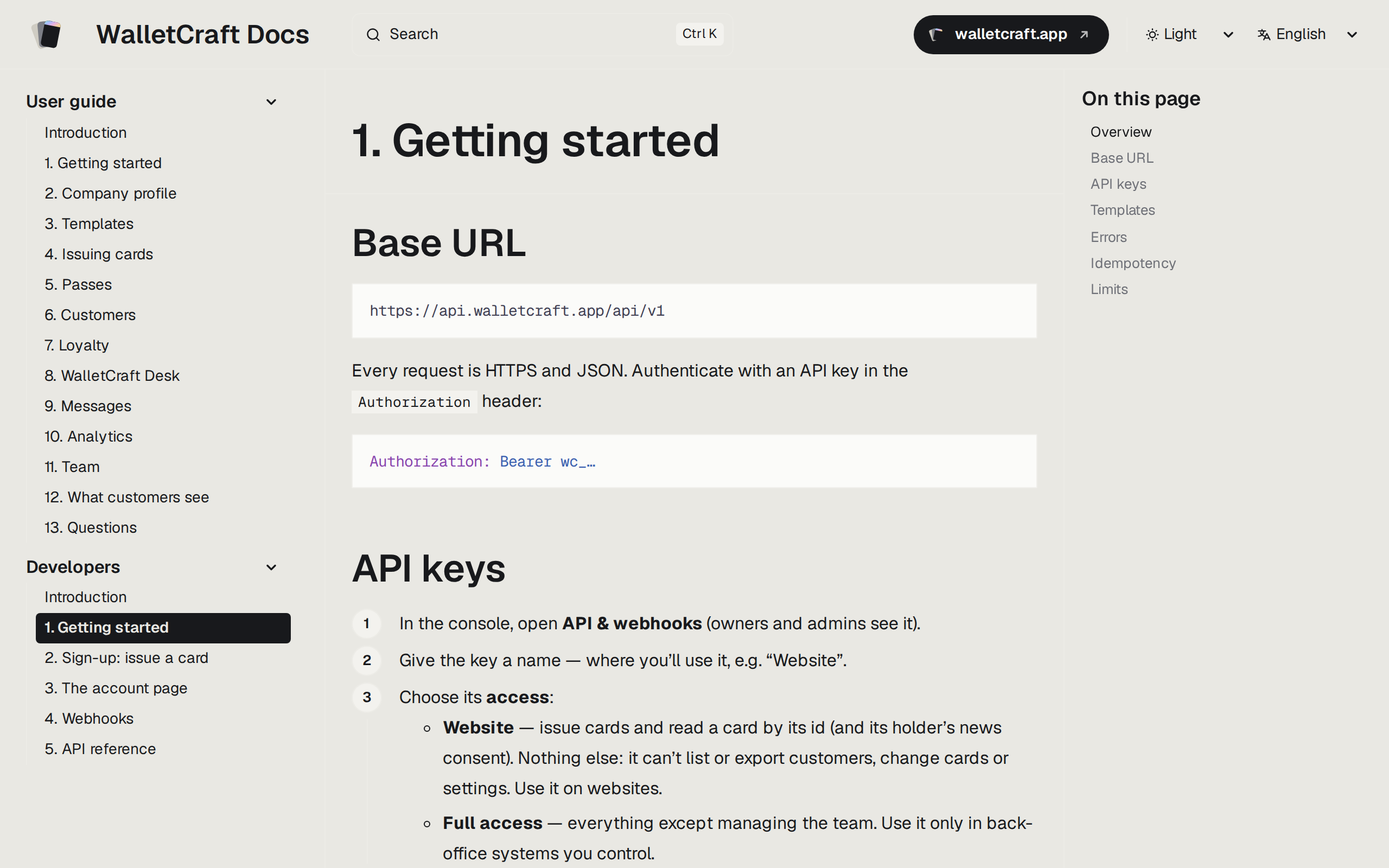
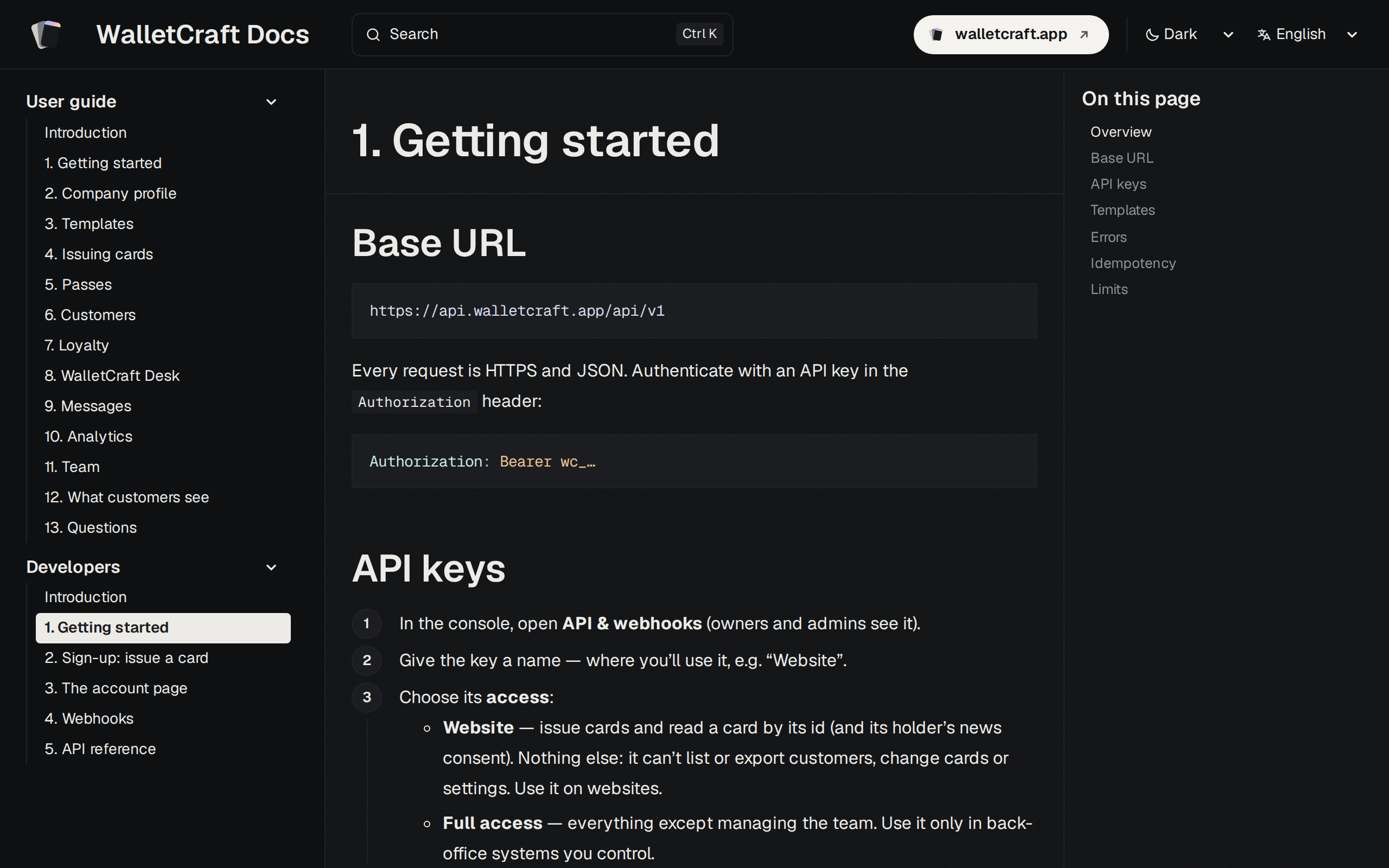
Getting started, sign-up flows, the account page and webhooks, with code you can copy, and the full reference generated from the API itself.
- OpenAPI 3 reference at /api/docs
- A small Node.js client in the examples
- Errors as RFC 9457 problem details
No code at all
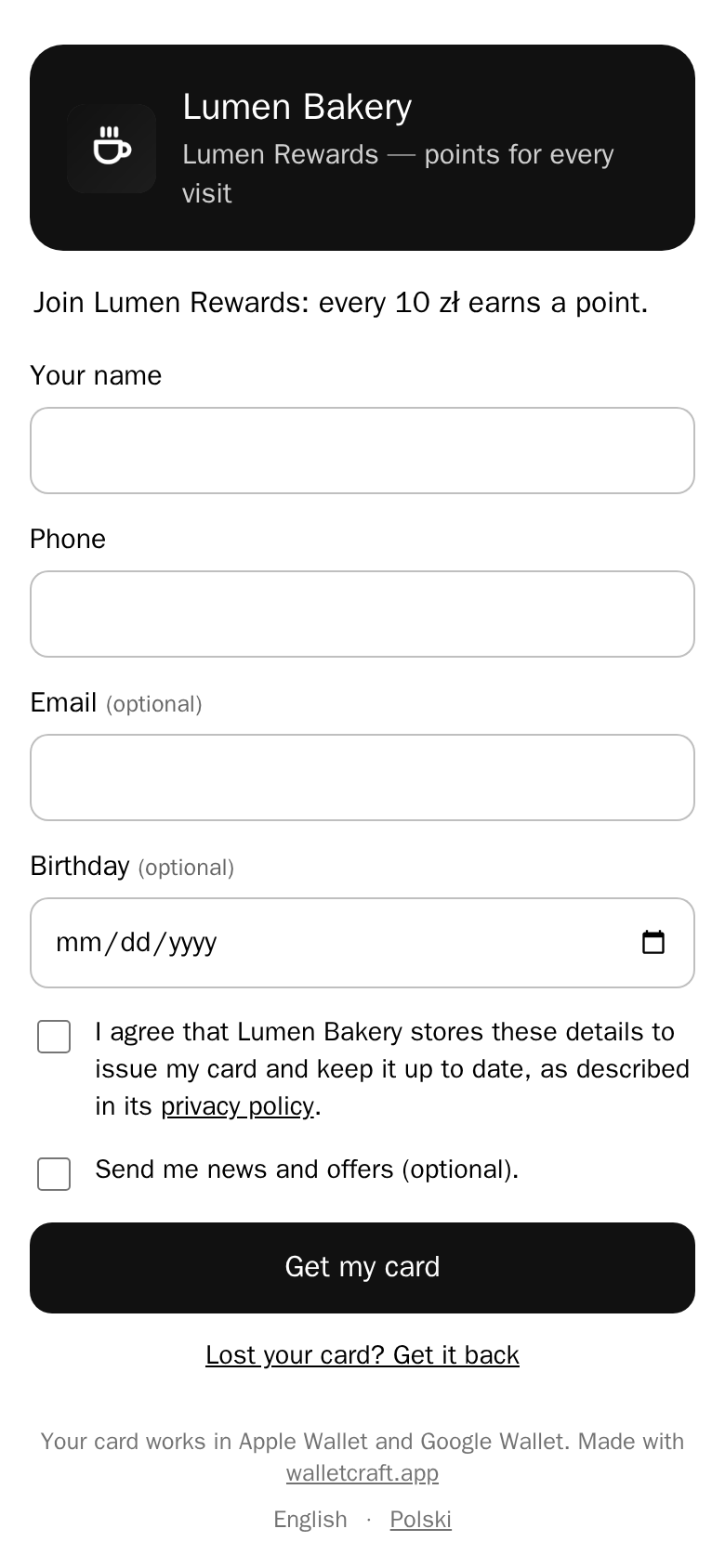
Or embed the join form
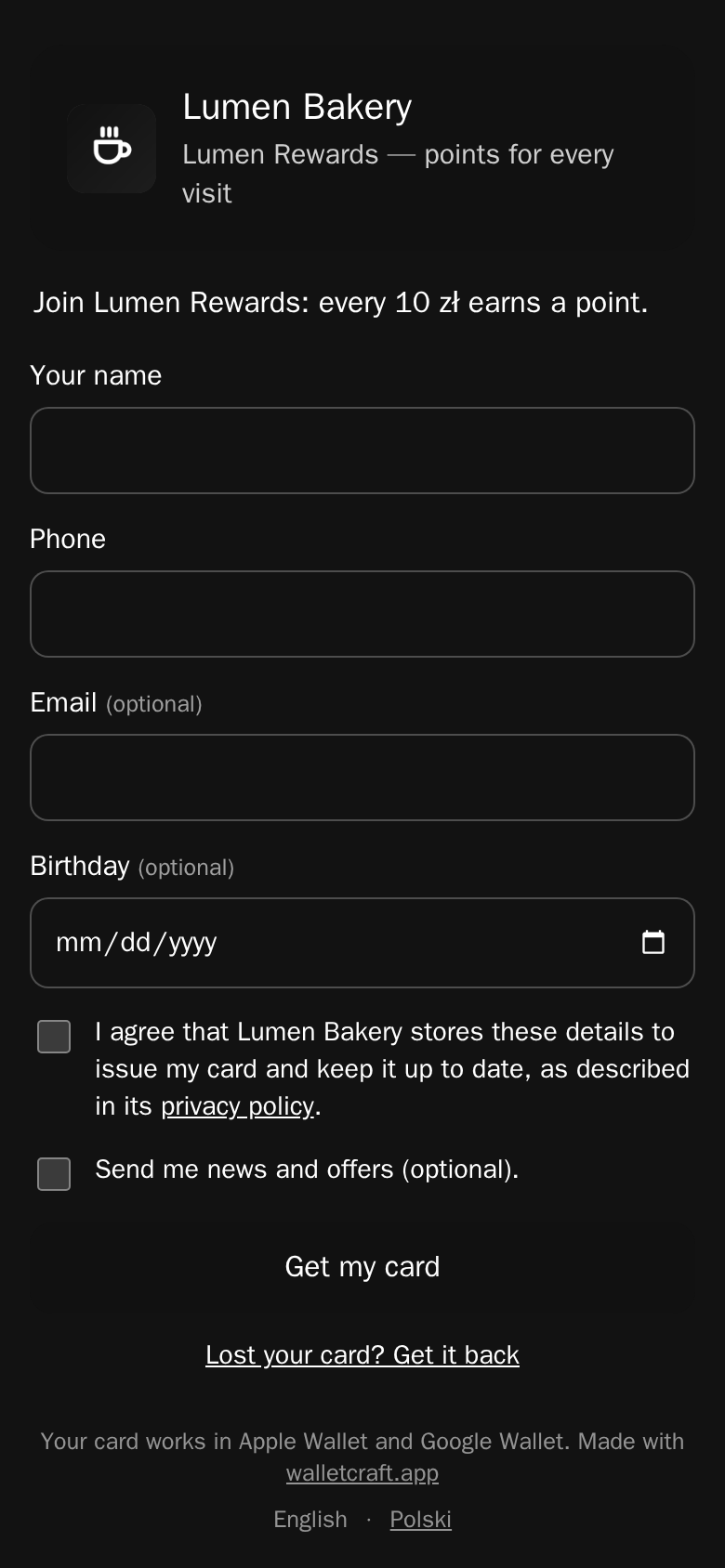
Not every website needs the API: put the card’s join form on your page, and visitors get their card with consents recorded and one card per contact.
- A snippet to paste: the form, or a button that opens it
- Phone, email, birthday and consents as you choose
- Sources tagged, so analytics show where cards came from
Also inside
Idempotency
Retry a create safely: the same key returns the same card for 24 hours.
Rate limits you can read
Per key per minute, with RateLimit headers and Retry-After.
Loyalty operations
Record purchases and redemptions from your till; balances follow.
Consents recorded
Privacy and marketing consents with their versions, per customer.
Pagination
Lists with limit and cursor, newest first.
Any language
Plain HTTPS and JSON; a Node.js client in the docs to start from.
Works together
One account for every part: the card your customers keep is the same one your staff scan and your website issues.
- API & integrationsYour website, shop or till
- ConsoleDesign, issue, update
- The cardIn Apple Wallet and Google Wallet
- DeskScan at the counter
- CardsEvery card in one app
Questions
Which plan includes the API?
API keys and webhooks come with the Business plan (and Network). The join form works on every plan.
Can a website key do everything?
No, on purpose: a website key may only issue cards and read a card by its id. Use a full key only in systems you control.
What happens if my request is sent twice?
With the same Idempotency-Key, the second request returns the first response instead of issuing a second card.
How do I check that a webhook came from WalletCraft?
Every webhook is signed with your endpoint’s secret; the docs show how to verify it. Failed deliveries are retried for about eight hours.
Where is the reference?
On docs.walletcraft.app, with the OpenAPI reference generated from the API itself.
Wire it up this week
Read the getting-started guide, or tell us what you want to connect and we’ll help you plan it.