What paper does well
A paper card is simple: everyone understands it, it needs no technology at the counter and the first box of cards costs very little. For a business that is just opening, or for a one-off event, that simplicity is real value.
Where paper fails
The problems show up once the program runs for a while:
- Cards get lost, washed and forgotten at home — and with them the customer’s reason to come back.
- A stamp is easy to copy. Anyone with a similar stamp can fill a card, and you can’t tell.
- You don’t know who your regulars are, how often they come or when they stopped coming.
- Changing the rules means printing new cards and explaining to everyone holding the old ones.
- You can’t reach a regular who hasn’t been in for a month.
What a digital stamp card changes
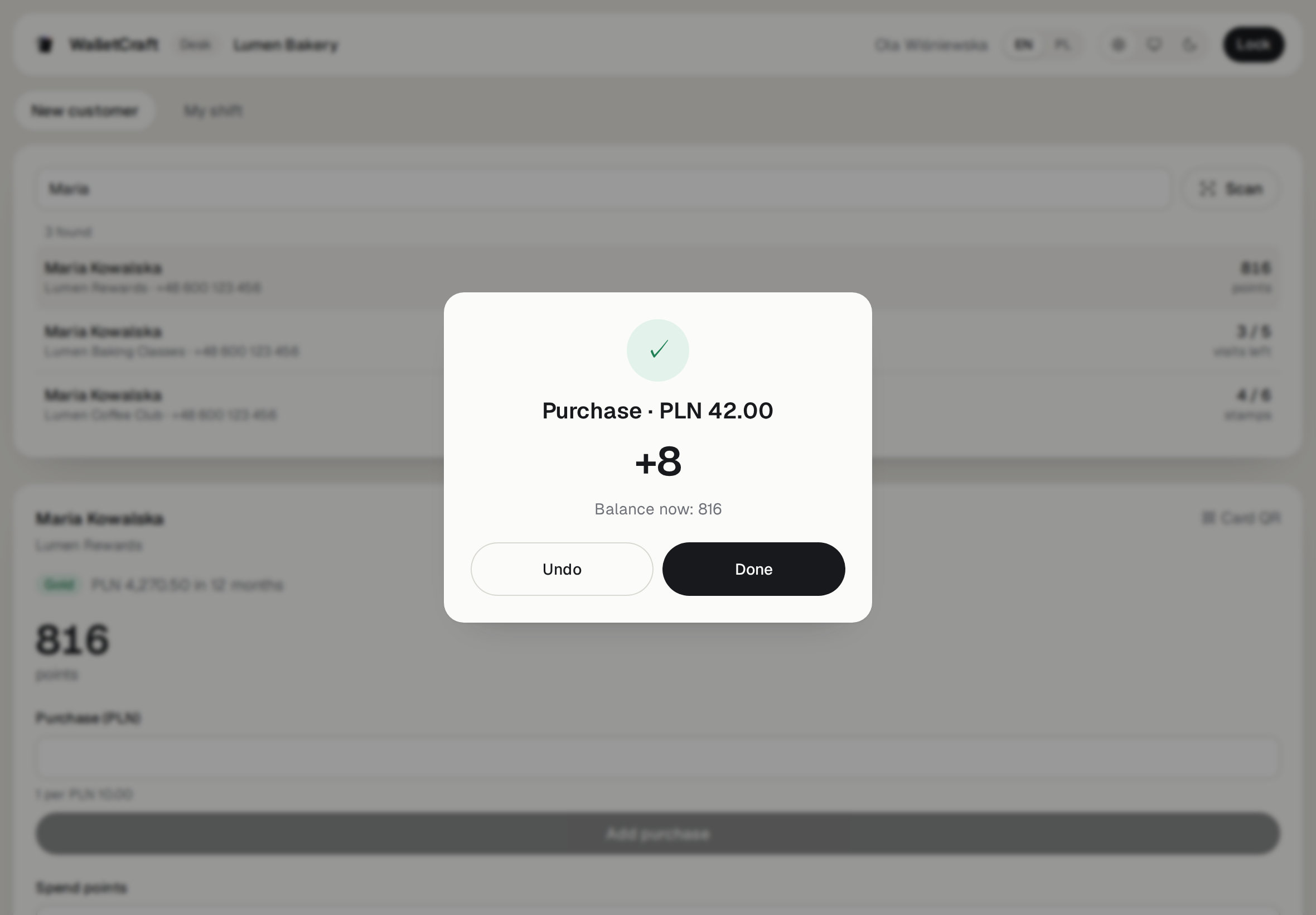
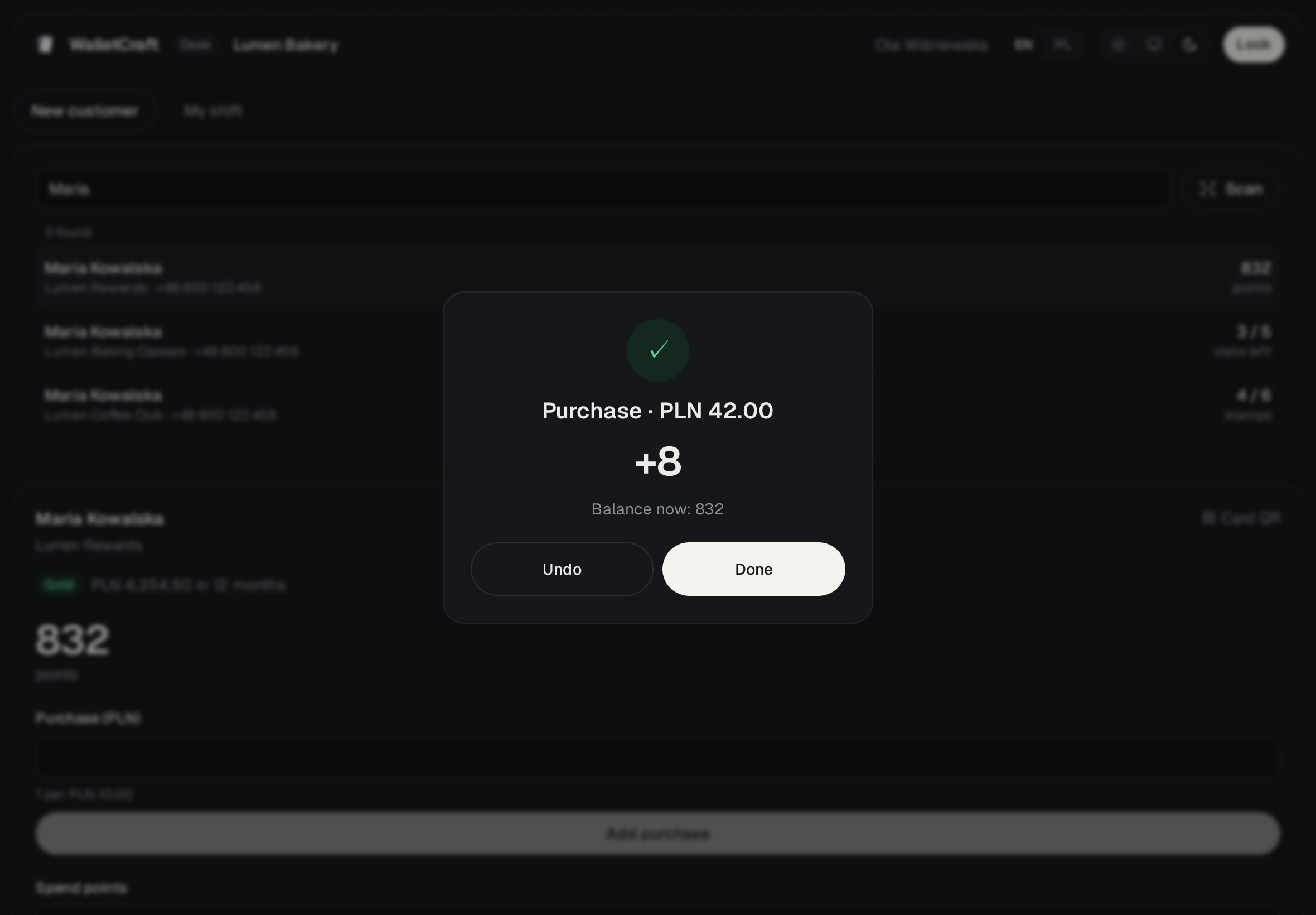
A digital stamp card lives in Apple Wallet or Google Wallet, next to your customers’ bank cards. It can’t be forgotten at home because the phone never is. Each stamp is added by your staff in the counter app and recorded with who added it and when, so stamps can’t be faked.
Because the card is in the phone, it can change: a new reward or opening hours update every card at once, and a message — a new seasonal drink, a holiday closing — reaches the lock screen of customers who agreed to hear from you.
What it costs compared with paper
Paper costs printing and a stamp; a digital card costs a monthly plan — WalletCraft’s Free plan is free for up to 100 active cards, and Start costs €25 a month. In both cases the bigger cost is the reward itself, and that doesn’t change. We break it down in How much does a loyalty program cost a small business.
When paper still makes sense
For a one-day event or a pop-up, paper is often enough. And some customers will always prefer it — though a digital card also works for them: every card has a page that opens in any phone’s browser, and staff can find a customer by name or phone at the counter.
How to switch without losing your regulars
Switching is easier than it sounds:
- Keep the same rule — the same number of stamps and the same reward — so nothing changes for customers but the card.
- Put the QR poster next to the till and tell customers: “Scan and the card goes into your phone — no app.”
- Honour paper cards: when a regular switches, set the stamps they already have on the new card in the console (the change is recorded as a correction).
- Set a date after which you stop giving paper stamps, and say it on the poster.