What a loyalty app has to do
Whatever you build, it has four jobs: show the customer’s card with a code the counter can scan, keep the balance of points or stamps up to date, tell the customer when something changes, and give your staff a way to add a stamp or redeem a reward. Keep these four in mind; they are the measure for each option below.
Option 1: your own app
A branded app of your own means two apps, one for iPhone and one for Android, plus a server that keeps the balances and a screen for your staff. You need developer accounts with Apple and Google, each store reviews the app before it appears, and every new phone system version can ask for an update.
The first version is the smaller part of the cost; keeping two apps working year after year is the larger one. And then customers have to install it: every person at your counter is asked to find the app in a store, download it and sign up before they get their first stamp. Many won’t.
Option 2: an app builder or a shared loyalty app
App builders give you a template app under your name without writing code; shared loyalty apps put your card inside their app, next to other businesses. Both remove the development work. The install step stays: the customer still downloads something, and in a shared app your card is one tile among many.
Option 3: a card in Apple Wallet and Google Wallet
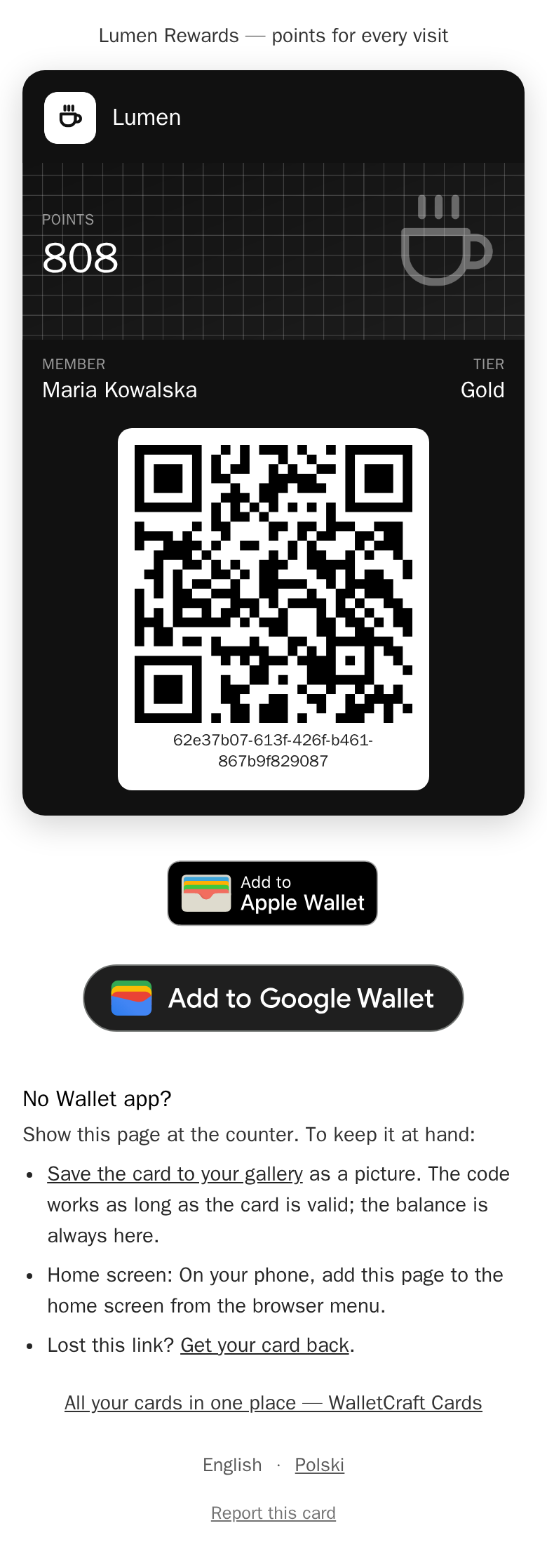
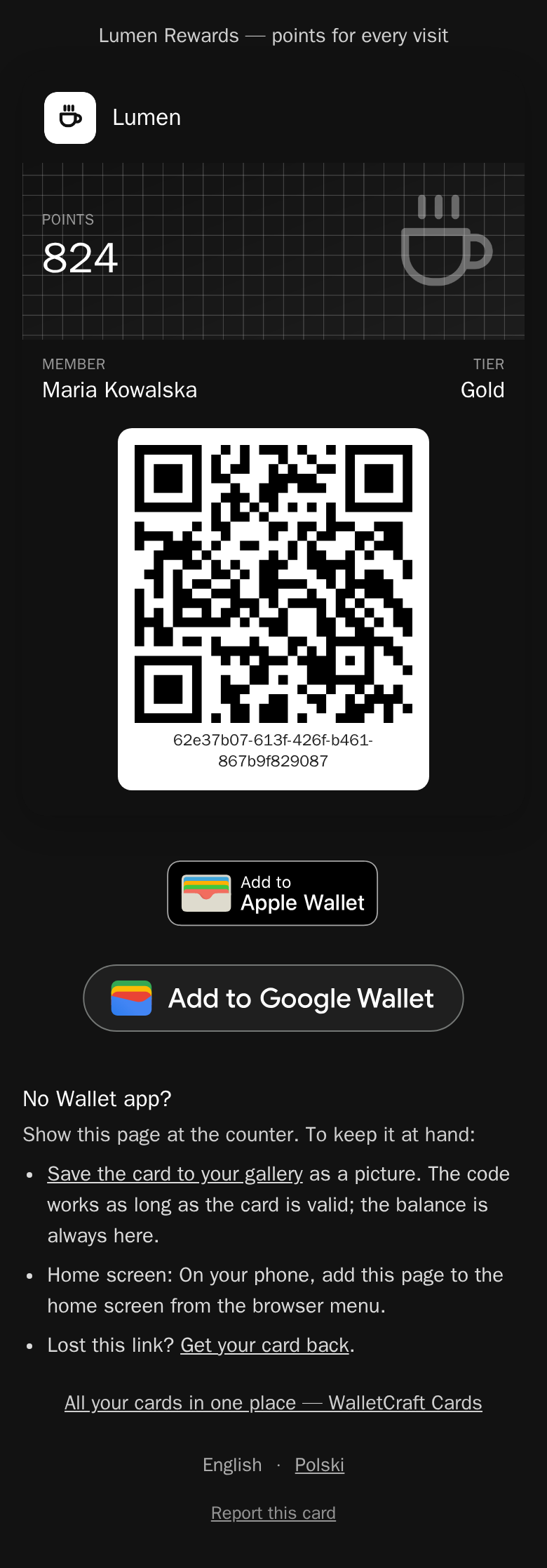
Phones already have an app for cards: Apple Wallet on iPhone and Google Wallet on Android. A loyalty card there does the four jobs without an app of yours. The customer scans a QR code and adds the card in two taps; the balance updates on the card itself; a change shows on the lock screen; your staff scan the card from a browser on any phone or tablet.
You don’t write code and you don’t need developer accounts: a service such as WalletCraft signs and issues the cards for both wallets. Making the card takes an afternoon, not a project.
How to choose
A short test:
- You want stamps or points, messages to customers and a customer base — a Wallet card covers it.
- You also want ordering, payment or booking inside the same app, and you have several locations and a budget for upkeep — an app of your own can pay off.
- You’re not sure — start with a Wallet card. It costs little to try, and what you learn about your regulars is useful whichever way you go later.
Making the Wallet card, step by step
- Choose the kind of card: stamps for visits, points for money spent.
- Design it with your logo and colours in the free card maker.
- Add it to your own phone and check how it looks.
- Set the rules: how many stamps to a reward, or points per purchase.
- Print the QR poster for the counter and tell your staff the one sentence to say.