The short answer
A digital loyalty card isn’t an app: it’s a card in the wallet app your customers already use for boarding passes and tickets. On an iPhone that’s Apple Wallet, which is part of the phone; on Android it’s Google Wallet. Your customers add your card in two taps and never install anything from you.
What adding the card looks like
From the customer’s side it takes about ten seconds:
- They scan the QR code on your counter (or tap your link).
- They type their name and phone or email, and agree to your terms.
- They tap “Add to Apple Wallet” or “Add to Google Wallet”.
- The card is in their wallet, next to their bank cards and tickets.
Why customers prefer it to an app
A separate loyalty app has to be found in the store, downloaded, signed into and kept — and most people stop at the first step. A wallet card skips all of that. It’s there when they open the wallet to pay, and it updates by itself: a new stamp or balance appears within moments, and a message from you shows on the lock screen.
Customers without a wallet app
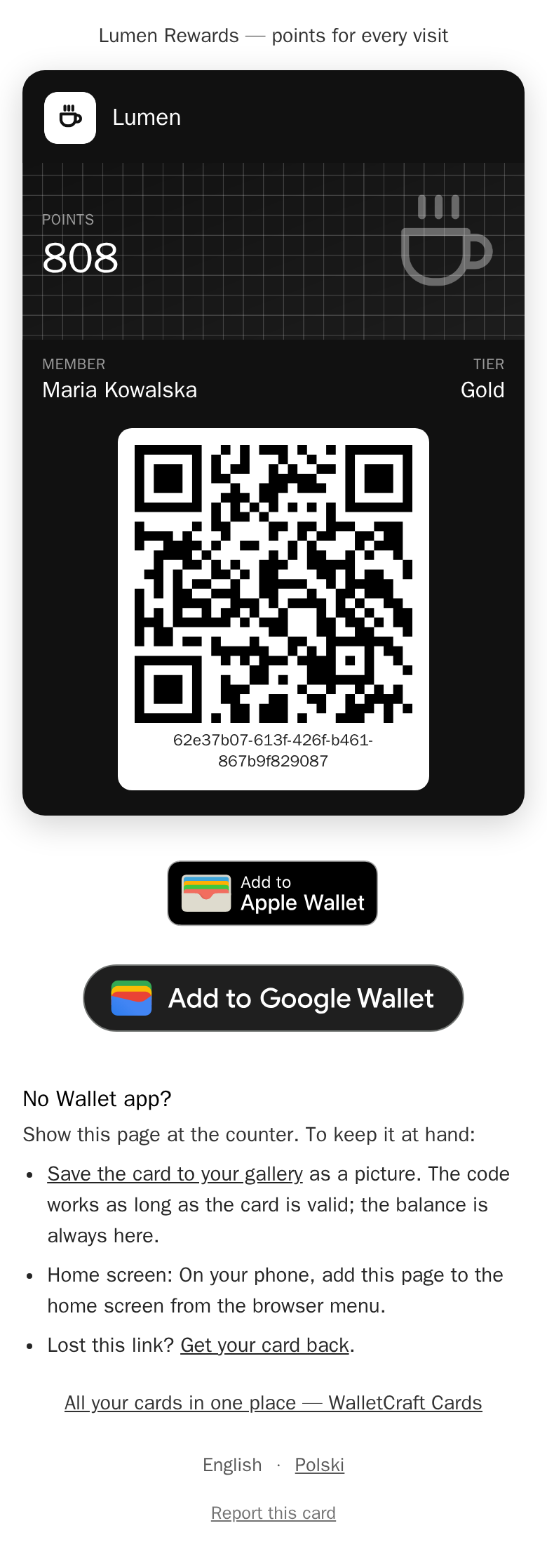
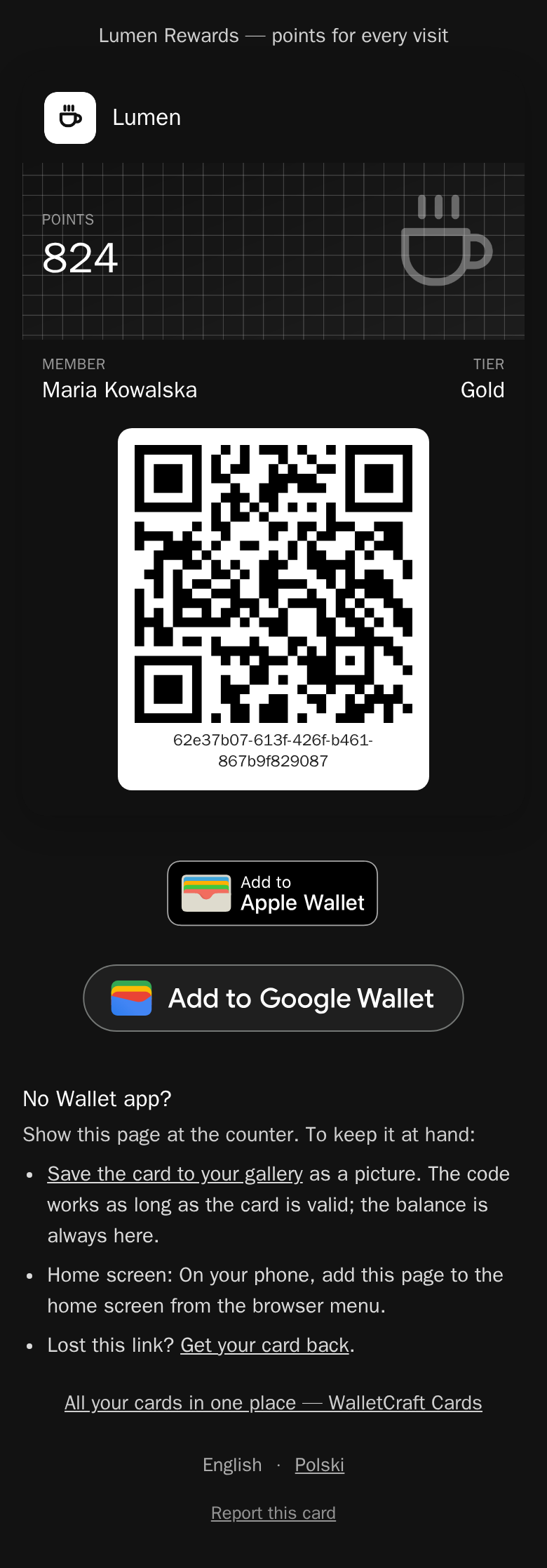
Some phones have no wallet app, and some people simply don’t want to use one. They still get the card: every card has its own page in the browser, with the code your staff scan and the current balance. They can save that page to the home screen or keep the card as a picture.
People with cards from several places can also keep them all in one list in WalletCraft Cards, signed in with their email — on any phone.
What to say at the counter
Customers who hear “download our app” say no. What works is shorter: “Scan this and the card goes into your phone’s wallet — no app.” Point at the QR poster while they wait for their order, and the card is added before they reach the till.