Ask when they’re waiting
The best moment is while the customer waits — for a coffee, at the till, in the chair. They already hold their phone, and scanning a code takes less time than the wait. That’s why a QR poster at the counter brings more cards than anything else.
Print the poster from the console: it carries your card’s join link as a QR code. Put it where people stand, at eye level, not behind the coffee machine.
What staff should say
One sentence is enough, and it should answer the question everyone has — “do I need an app?” Something like:
“Scan this and our stamp card goes into your phone’s wallet — no app. Your first stamp is today’s coffee.”
Giving the first stamp or a welcome gift on the spot makes the card worth adding now, not later.
Beyond the counter
Use the same join link wherever your customers already find you:
- Your Instagram bio and stories, and your Google business profile.
- Your website: a button or the join form embedded on a page.
- Your company page at walletcraft.app/c/your-name, with your profile and the card.
- Email or SMS: send a card straight to customers you already know.
- Table cards, receipts and flyers — anything people take home.
See which channel works
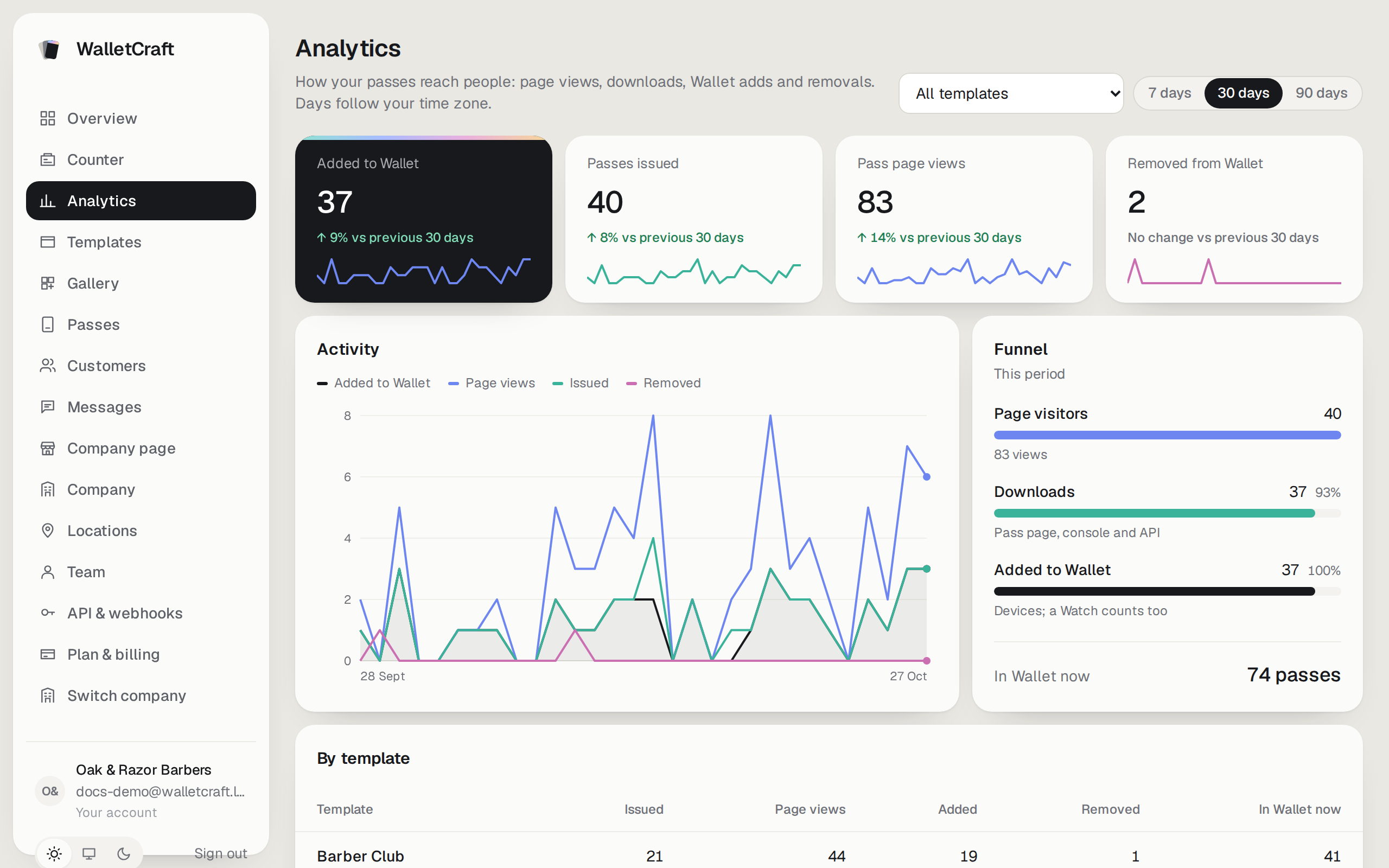
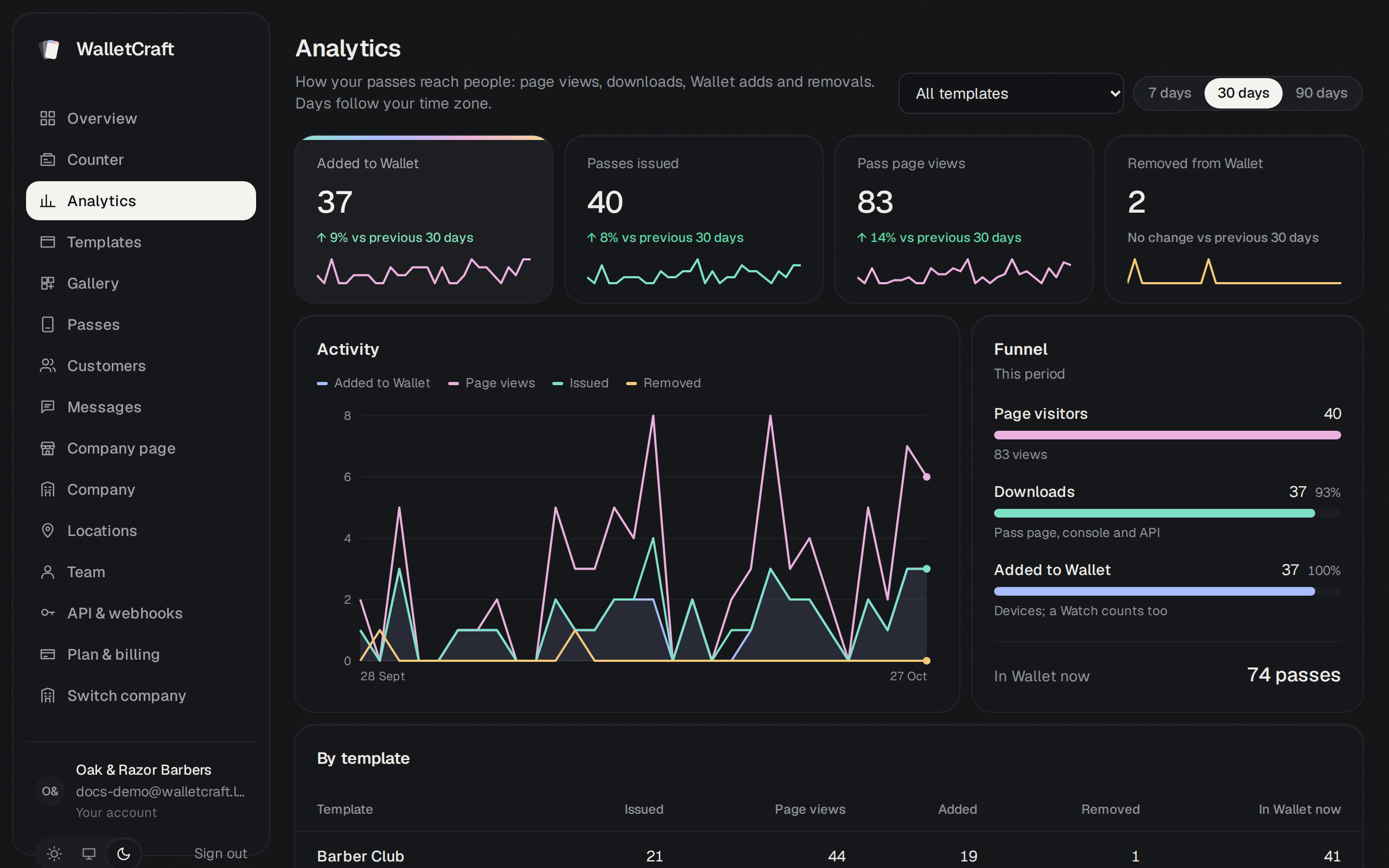
Give each place its own link — a tag for Instagram, another for the flyer — and the analytics show how many cards came from each, and, if you note what a campaign cost, the cost per card. After a month you know where to put your effort.
Keep the cards in the phones
People remove cards they never use. A card that changes — a new stamp, a reward ready, a short message about a new menu to those who agreed to hear from you — stays. Don’t overdo messages: a few a month is plenty.